



Image Translator


Translate photos into your chosen language while seamlessly preserving their original format. Perfect for e-commerce, studying abroad, travel, and professional use. Handle image translation quickly and accurately.

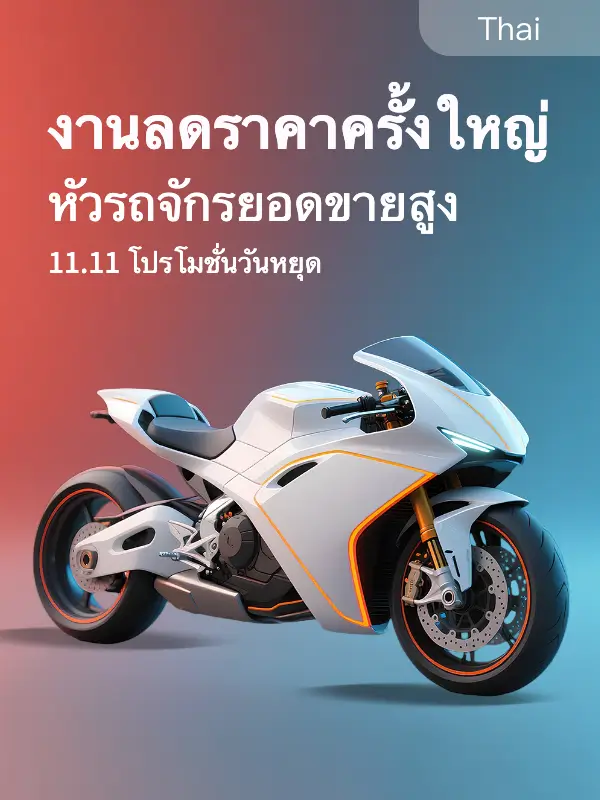
Drag image here or click to upload.
Each image size is limited to within 10M, and the longest side of the image dimension is 4096 pixels




 Free trial used up
Your daily free trial limit is reached. Come back tomorrow.
For suggestions: [email protected]
扫码前往微信小程序体验
Free trial used up
Your daily free trial limit is reached. Come back tomorrow.
For suggestions: [email protected]
扫码前往微信小程序体验

23 Target Languages — One-Click Switch
Centered on multi-language coverage + minimalist operation, no professional skills required: upload an image and click once to easily get accurate translation and switching across 23 languages. It completely breaks down the language barriers in image translation.
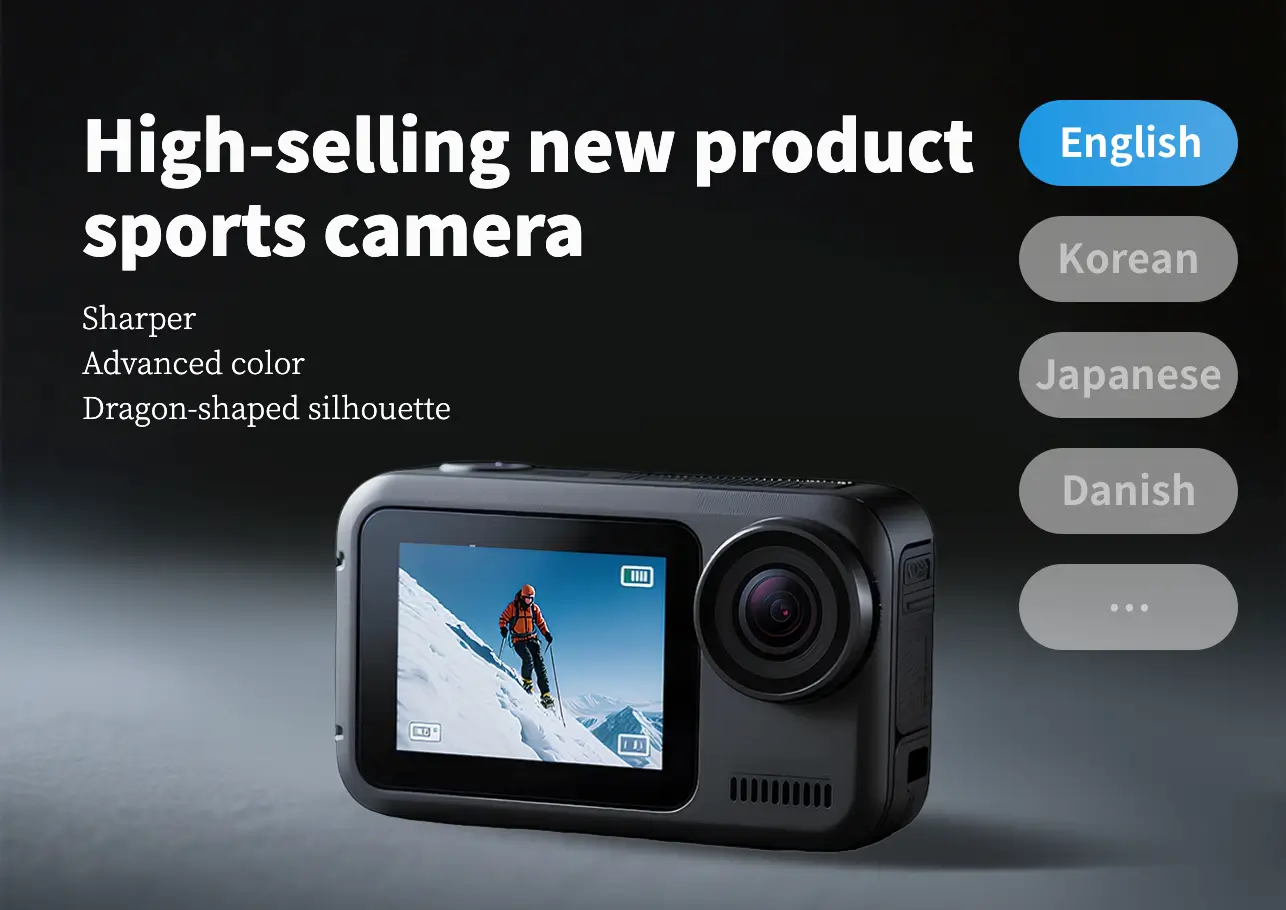
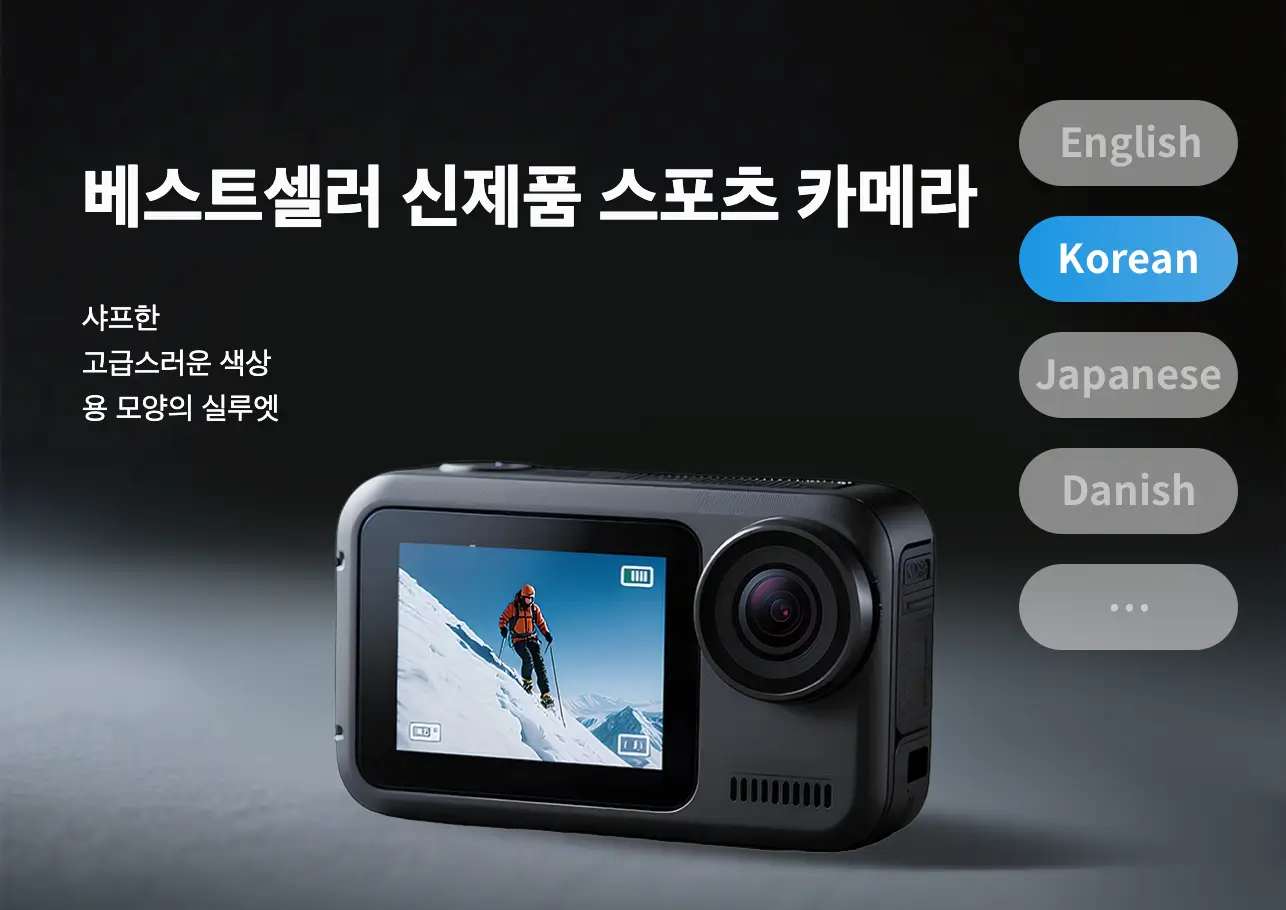
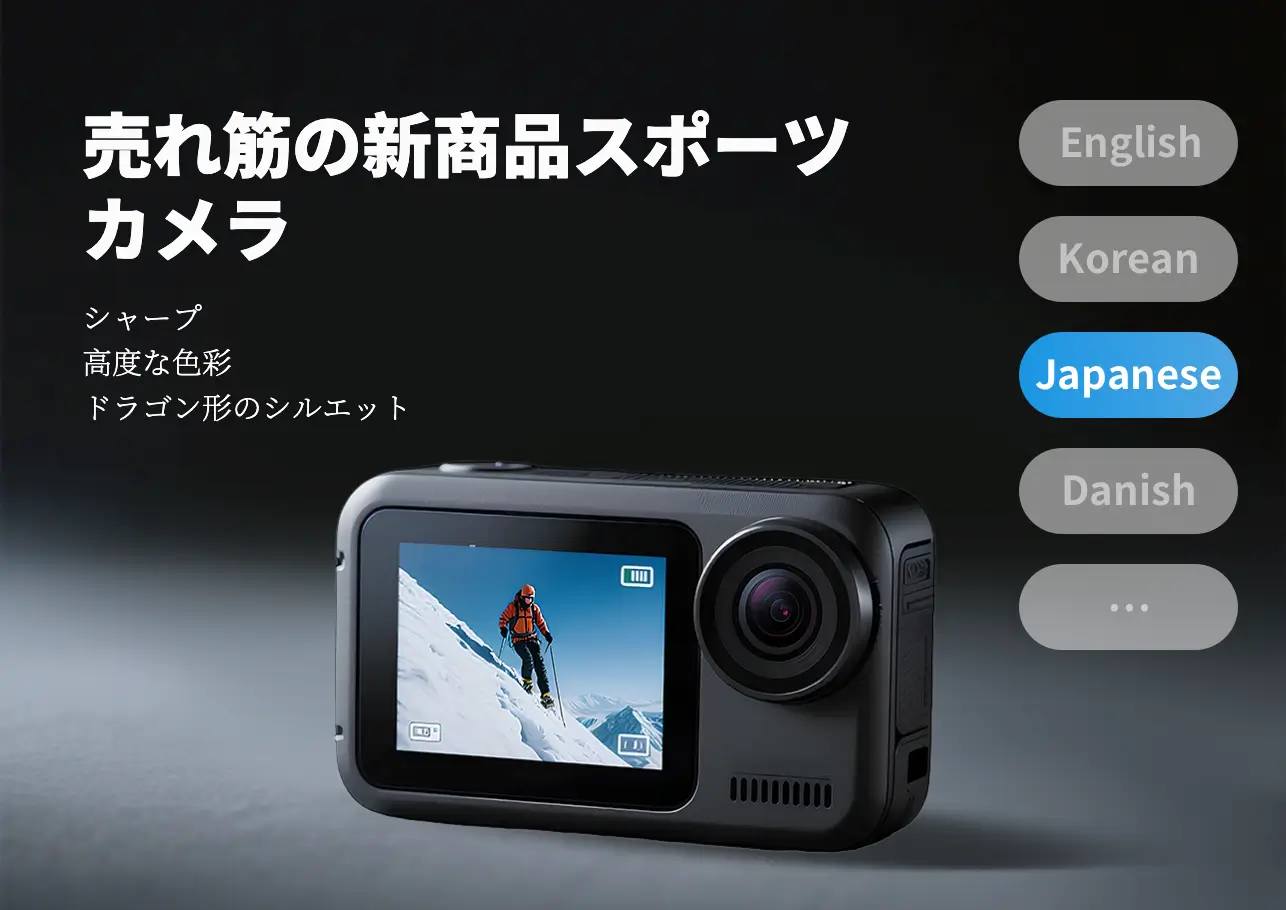
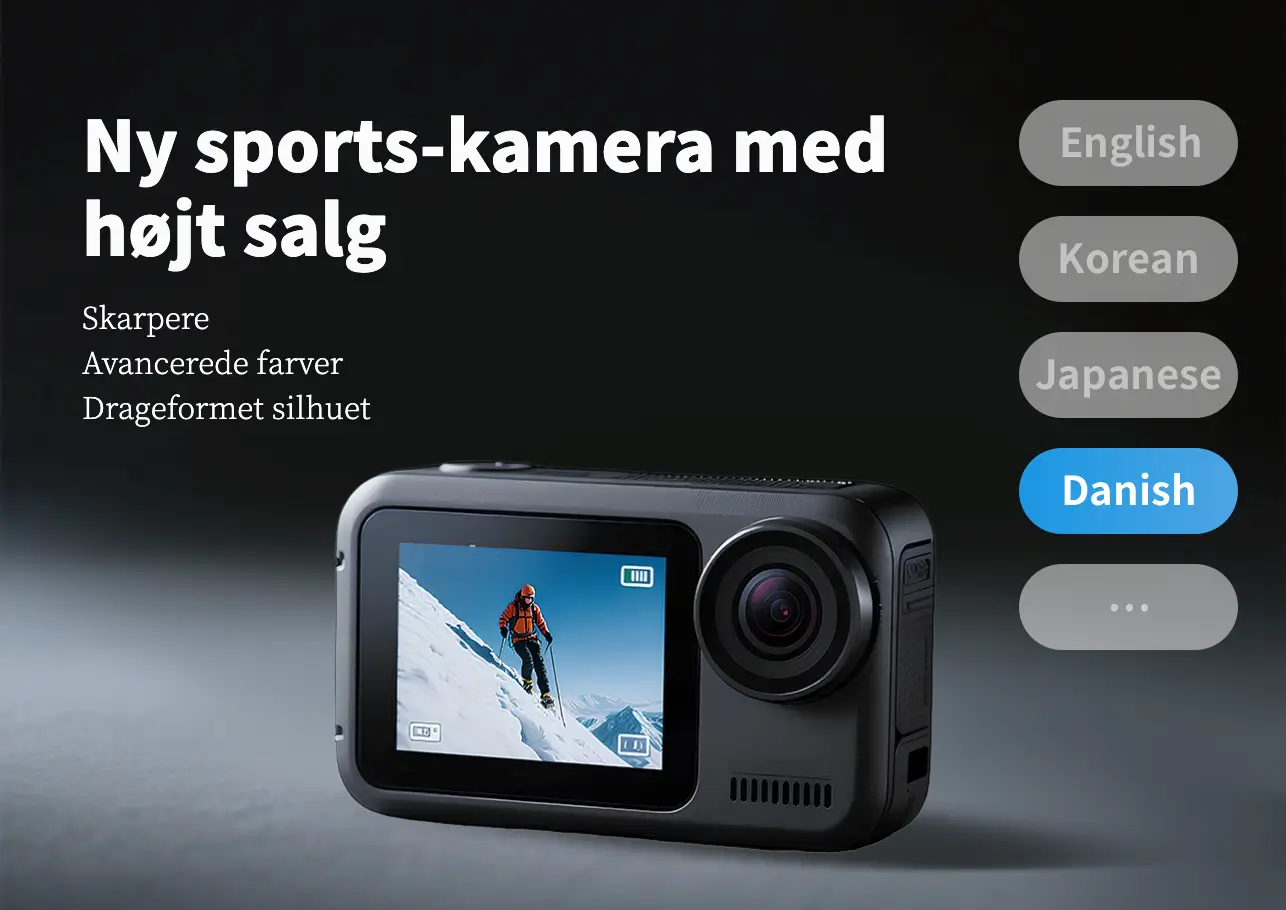
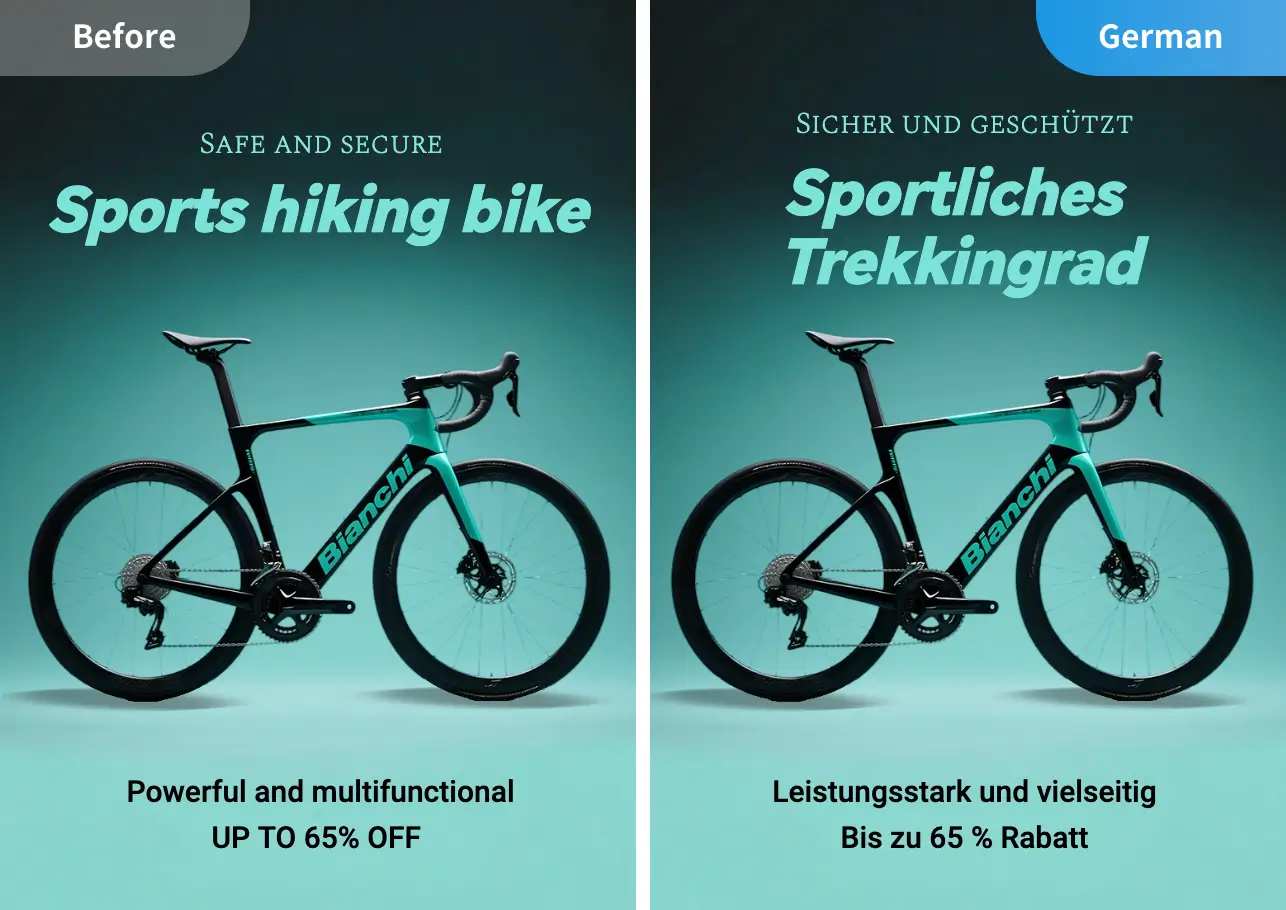
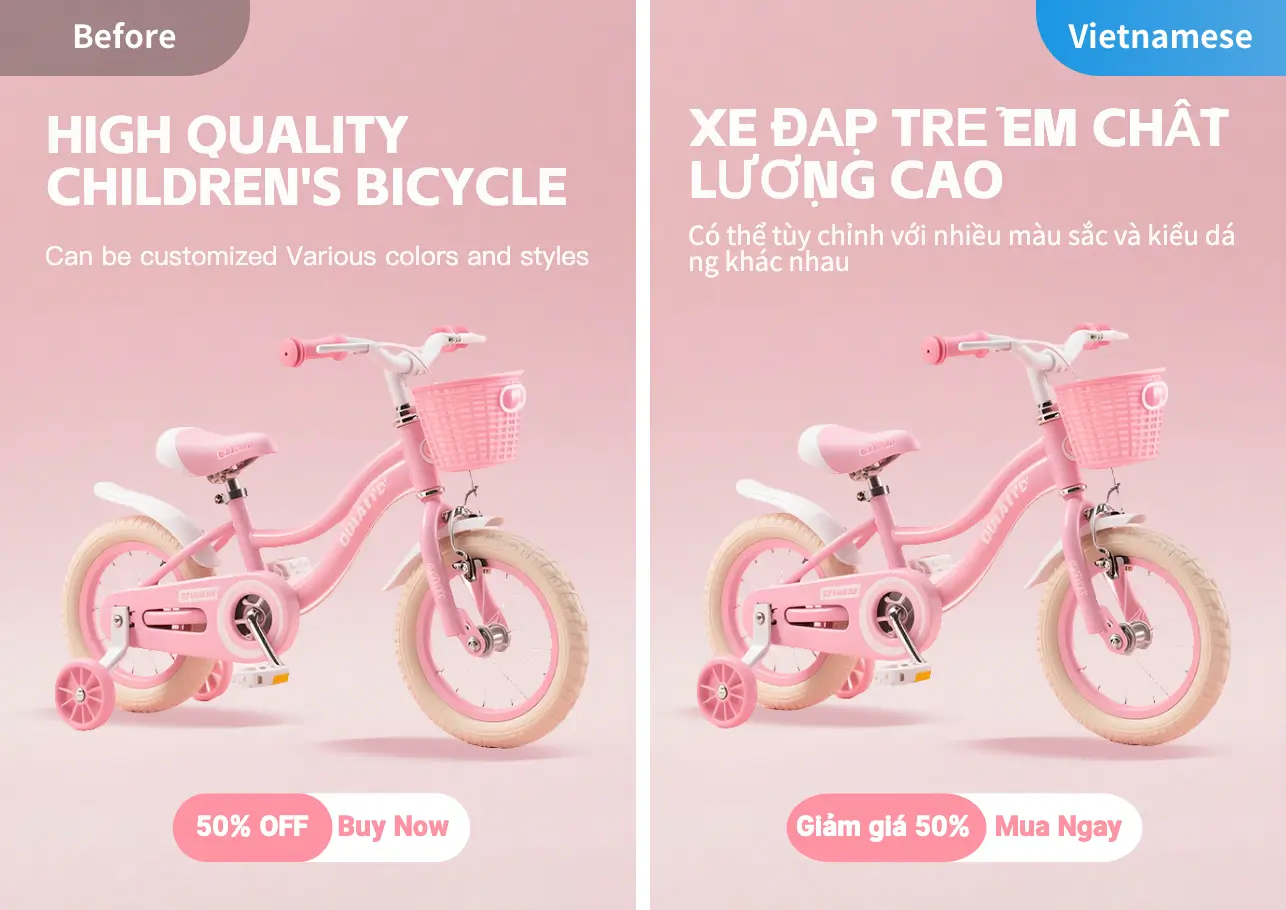
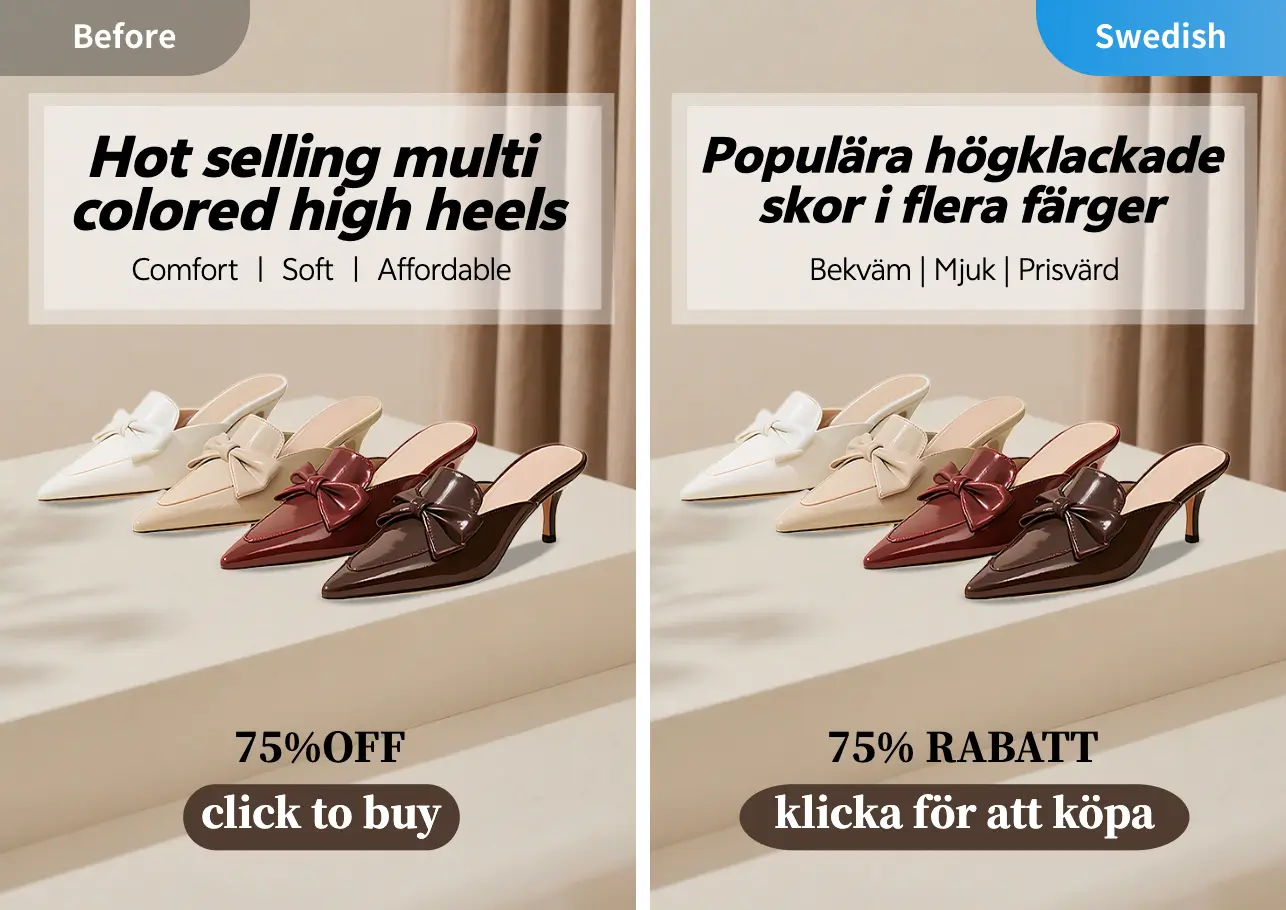
Localized Translation — Effortlessly Handled
Built on accurate image text recognition, we deliver in-depth localized translation that combines language conversion + cultural adaptation + scenario alignment — ensuring translations are not only precise, but also fully tailored to the usage habits and cultural context of your target market.
Accurately Recognize and Translate Text in Images
Powered by AI-driven OCR and large language models (LLMs), we automate the full workflow of precise recognition + contextual translation + polished formatting — breaking down language barriers for image text, so you can quickly grasp key information without manual input.
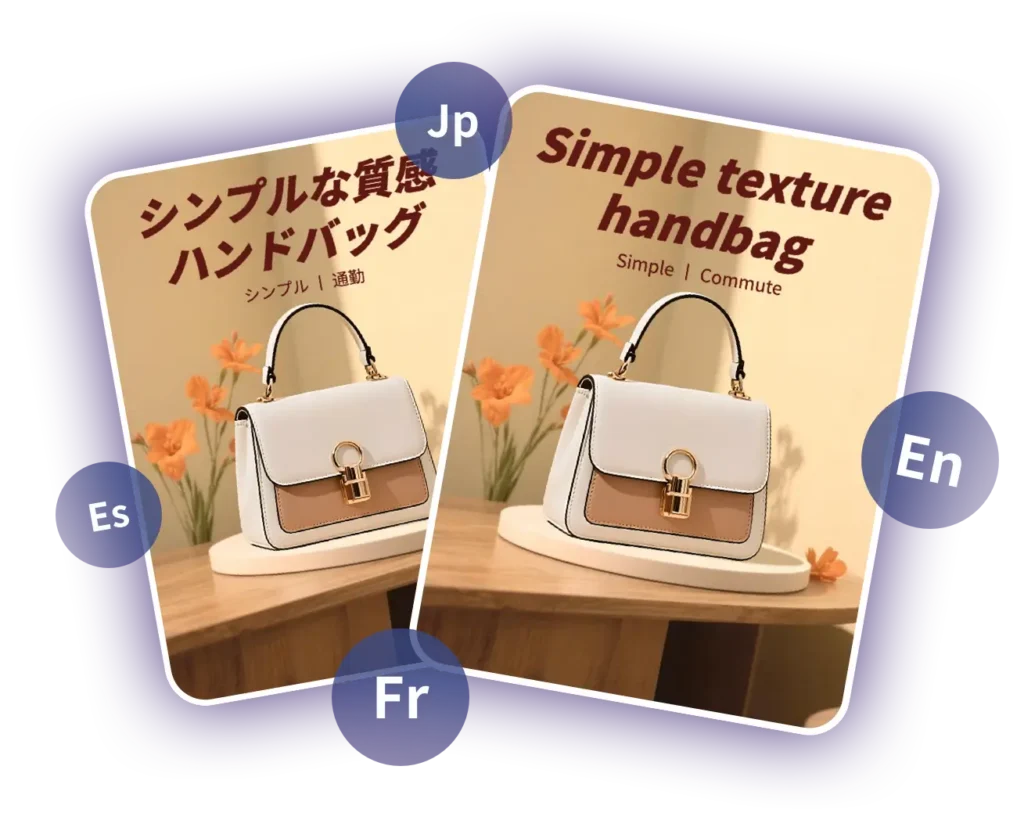

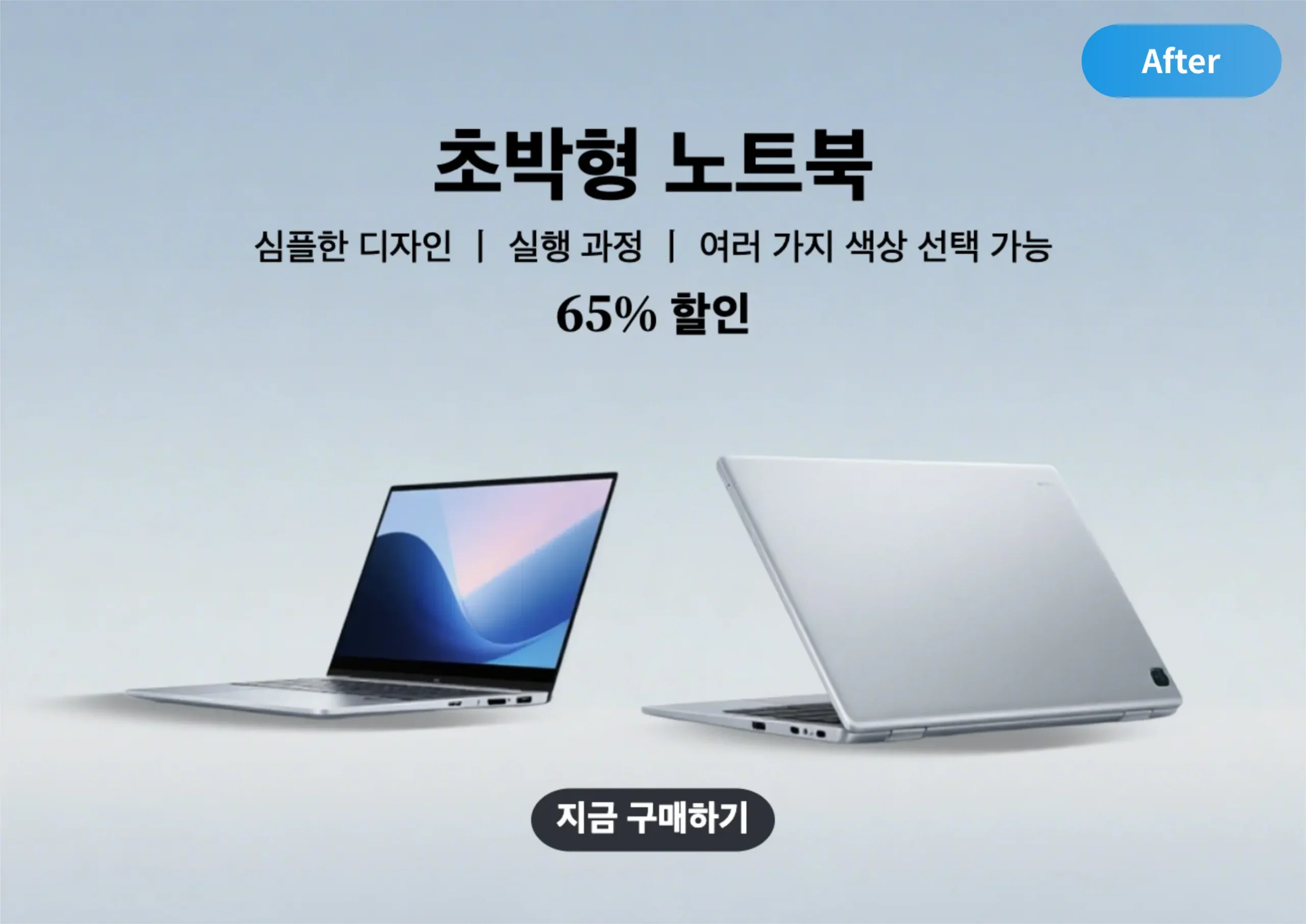
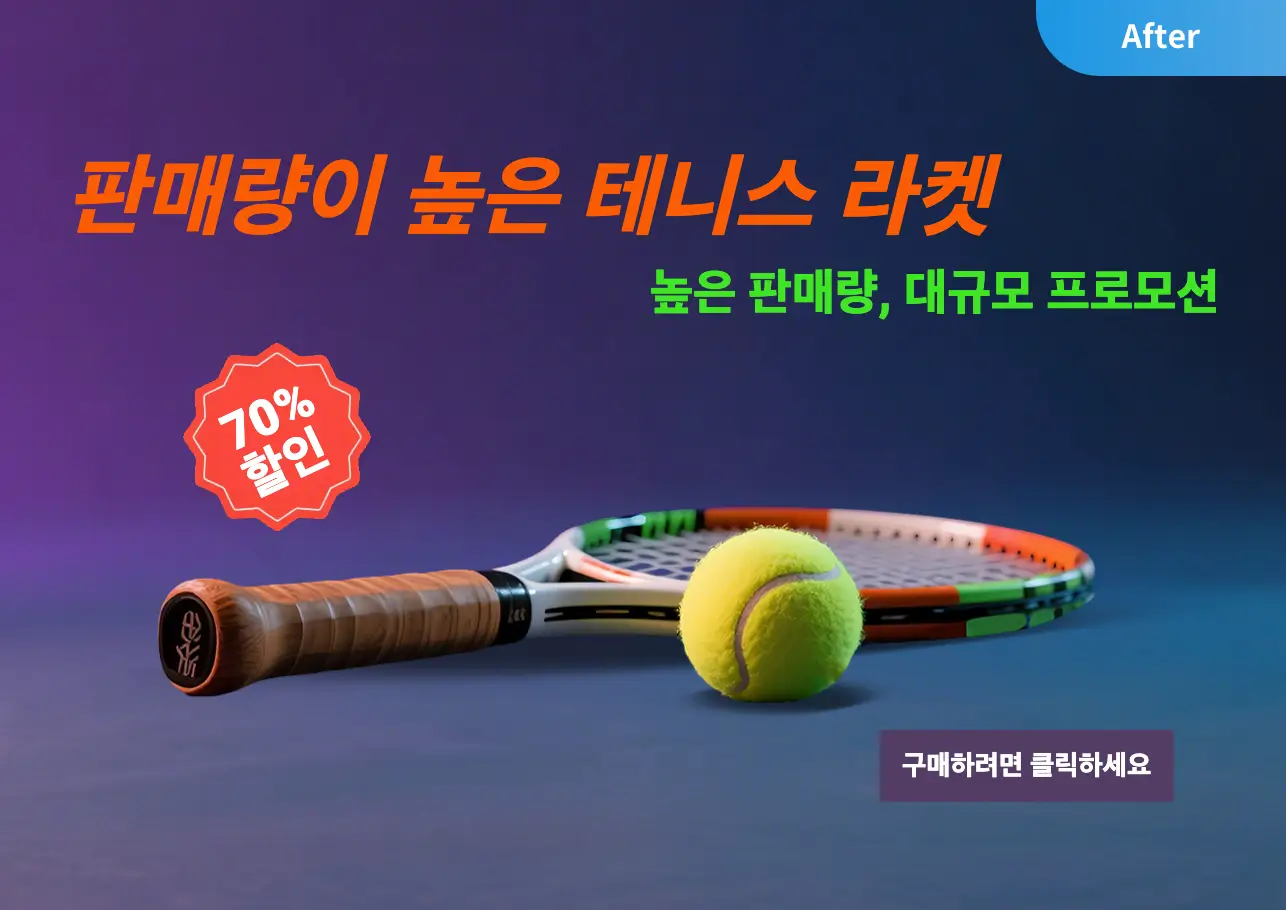
Preserve Design Consistency
Our AI technology ensures translated text seamlessly integrates with the original image. This not only retains the visual appeal of the original design, but also delivers smooth cross-language expression.
Simple to Operate — No Skills Needed
Open the webpage to start: upload images with one click, fully web-based (no downloads, no installations), and no professional skills required.Anyone can easily handle image translation needs — simple, fast, and hassle-free.

How to Image Translator ?

Upload Image
Click the “Upload Image” button, or drag and drop files into the designated area. We support translation processing for multiple image formats (e.g:JPG, PNG, JPEG, WEBP).

Select Your Target Language
The AI automatically recognizes the subject and edges to precisely remove the background, and can easily clear even complex backgrounds completely~

Download & Save
Click the “Download” button to export the translated image file and save it to your computer. You can then use the image for other design projects.
FAQs About Image Translation

How to quickly translate an image ?
No professional skills required — it’s just 3 simple steps:Upload your image (text language detected automatically) → Select your target language → Click “Translate Now”. No software installation, no learning curve — just open the webpage and start using it.

What image formats does the image translation feature support ?
We support major image formats including JPG, JPEG, PNG, and WebP — no format conversion needed; you can translate them directly.

Do I need to download a desktop client for image translation? Can I use it online ?
No desktop client download is required — it’s a fully web-based tool that’s ready to use right away.Just open the webpage, add your image via upload or drag-and-drop, and complete the entire translation process directly in your browser. No plugins to install, 100% online access, and zero learning curve.

Can I save the translated image directly ?
Yes. After translation, a “Download Image” button will appear in the results area — just click it to save the image to your device.

Will the translated image keep the original layout ?
We’ll try to retain the original text’s layout structure. However, complex formats (like tables or special symbols) may be adjusted slightly — the translated content will still be presented clearly and readably.

If an image has text in multiple languages, can they be translated at the same time?
Yes. The tool automatically detects text in different languages within the image and translates all of it into your selected target language — no need to upload them separately.

Can I use this image translation tool on mobile devices? Is it easy to operate?
Yes — it works on mobile browsers, with the same simple steps as the desktop version:Open the webpage → Upload an image from your phone → Select your target language → Click “Translate Now”. It’s optimized for mobile screens, so the operation is just as easy.
Authentic User Voices
Aide.art saved my cross-border business! One-click translation for product packaging images, with perfect layout retention. No more manual image editing for text changes.

Chen Yue
Cross-Border E-commerce Operator

I rely on Aide.art for traveling abroad! Instant translation for street signs and menus, even with mixed languages. Works seamlessly on mobile — so convenient.

Jack Miller
Travel Blogger
Aide.art is my secret weapon for overseas poster design. Fonts and spacing stay intact after translation, saving me tons of editing time. Clients all praise the fast delivery.

Sofia Costa
Graphic Designer
Translating partner’s contract scans with Aide.art is hassle-free. 100% format retention — no more manual reformatting. Communication efficiency has doubled instantly..

Li Ming
Foreign Trade Manager
Aide.art is perfect for translating textbook charts abroad! Formulas and text stay organized — save directly as notes. My study efficiency has improved a lot.

Emma Wilson
International Student
Aide.art makes overseas marketing easy! Single poster translation is done in seconds, while keeping the brand visual style. Material launch speed is much faster now.

Carlos Rodriguez
Marketing Specialist