


Image Compressor








Shrink Large Files in Seconds
Powered by an intelligent engine, this Image Compressor finishes compression in seconds. With an ultra-high ratio, the Image Compressor shrinks large images into small files—saving storage & transmission space for a seamless experience.




Easy Operation: Use Online, No Skills Needed
Operate this Image Compressor entirely online—no download/installation required, no professional skills needed. Simply open the webpage to use this Image Compressor: upload & compress with one click, zero-difficulty to start. Anyone can easily handle needs via this Image Compressor, enjoying a simple, fast, hassle-free experience.
Auto-Preserve Optimal Image Quality
This Image Compressor intelligently recognizes image attributes—no manual adjustments needed, auto-matching optimal compression size. It balances ratio and quality precisely, ensuring effectiveness without sacrificing clarity. One click on this Image Compressor delivers optimal ratio and quality.

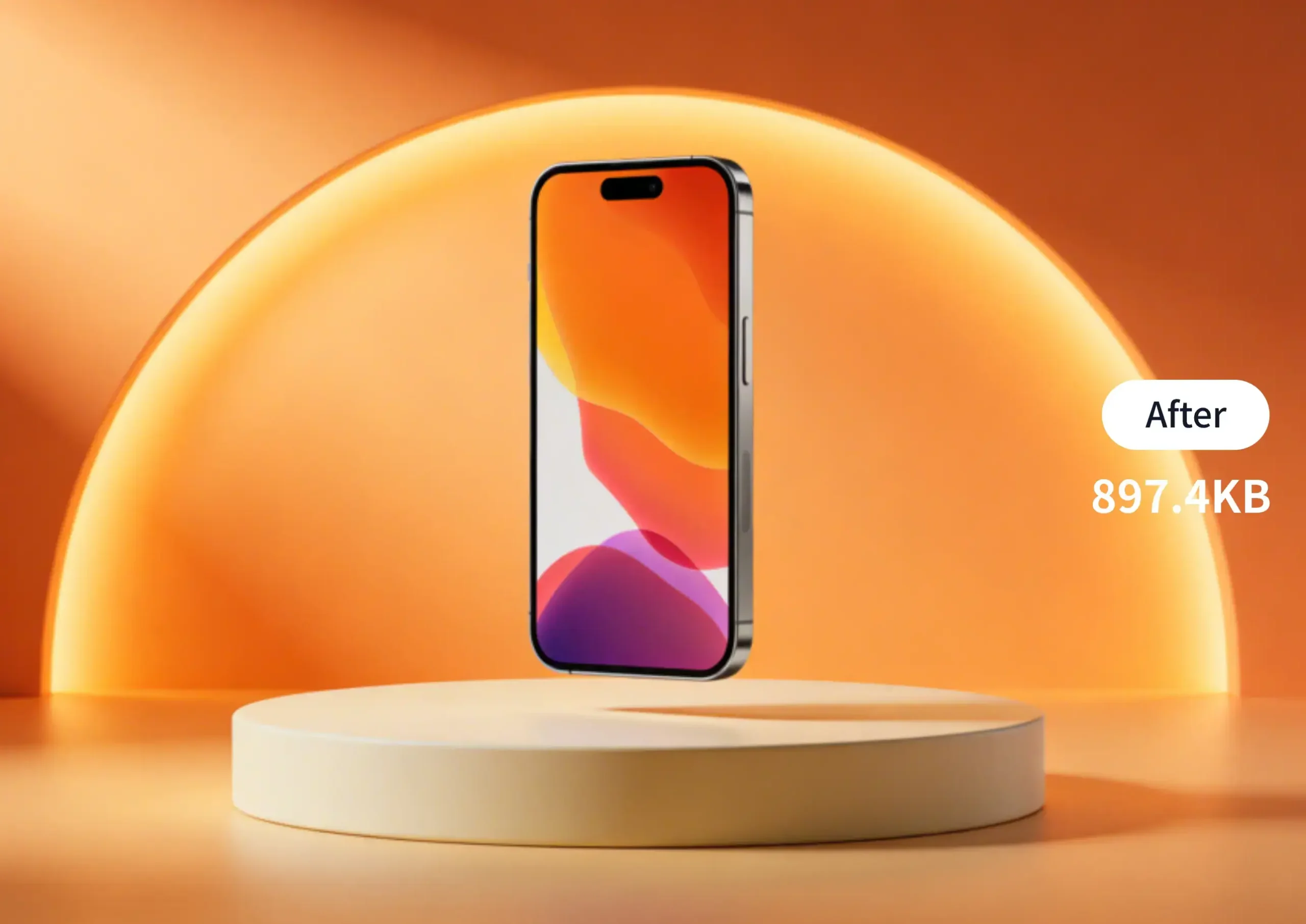


HD Lossless: Preserve Original Image Details
The compression process strictly retains the core details and color layers of the original image, eliminating blurriness and distortion—compressed images remain clear and sharp. While maintaining clarity, it achieves a compression ratio of over 60%, meeting professional usage needs.
How to Compress Images?

Upload Image
Click the “Upload image” button, or drag files to the designated area. It supports multiple image formats for compression processing (e.g., JPG, PNG, JPEG, WEBP).

Compress Image
Automatically processes image compression, reducing file size while preserving image quality—easily complete efficient compression.

Download & Save
Click the “Download” button to export the compressed image files and save them to your device.
Image Compression from Picture Use-Cases
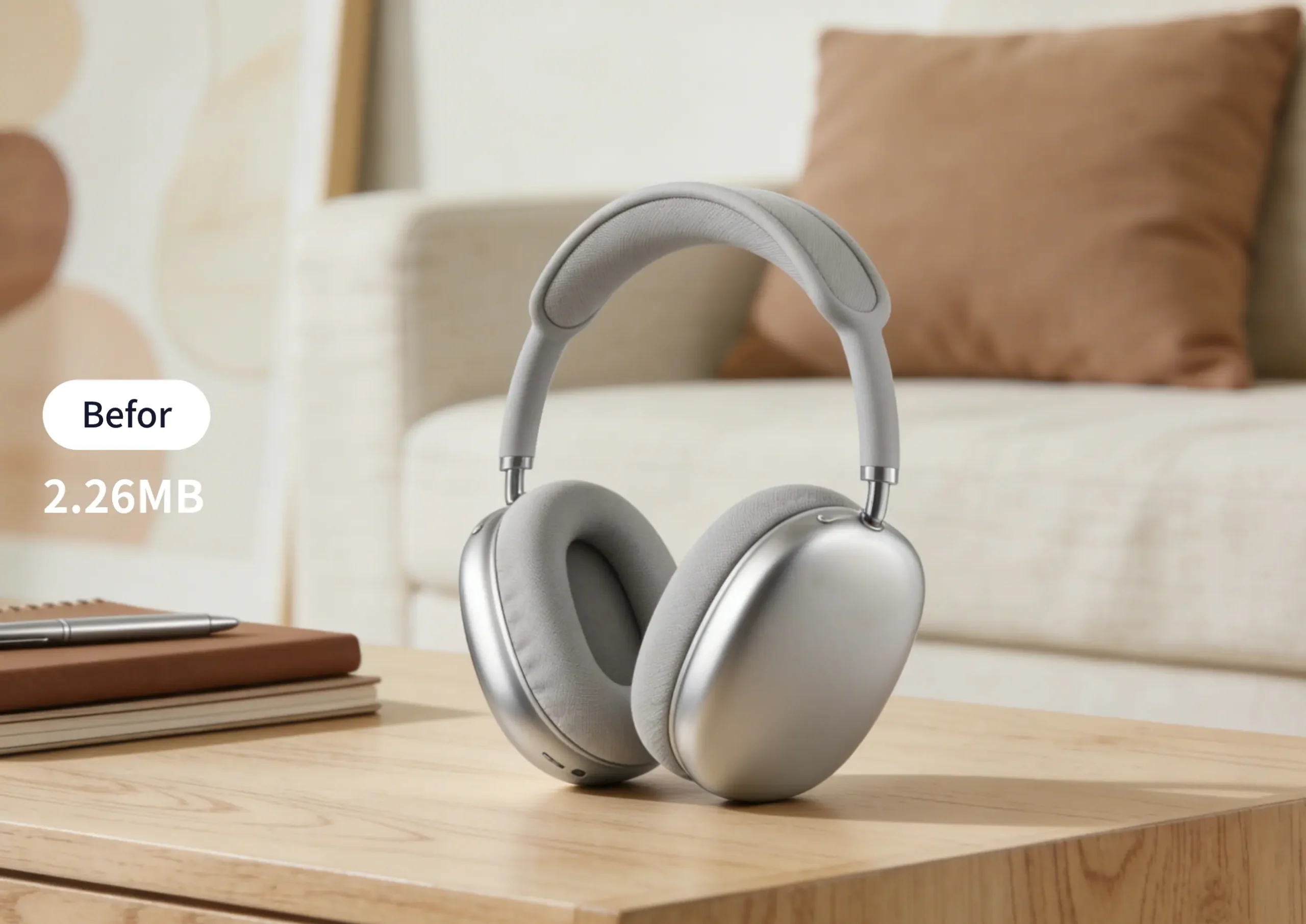
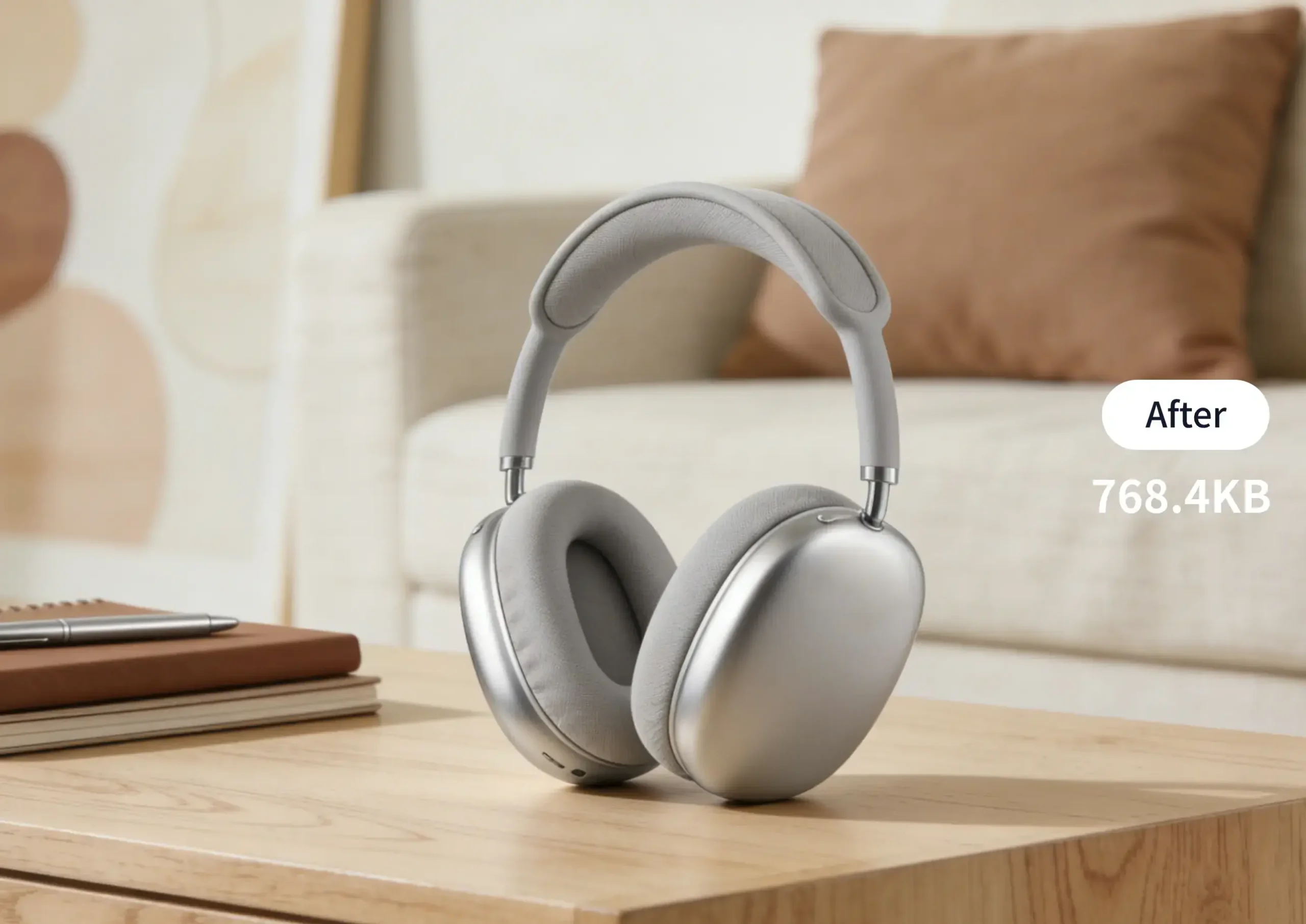
For E-Commerce Marketing
Optimize e-commerce product detail page images: Compress file size while preserving quality, speed up store page loading, and boost conversion efficiency.


For Content Creators
Compress article visuals and video thumbnails: Reduce platform upload time, speed up content loading, and enhance user reading experience.
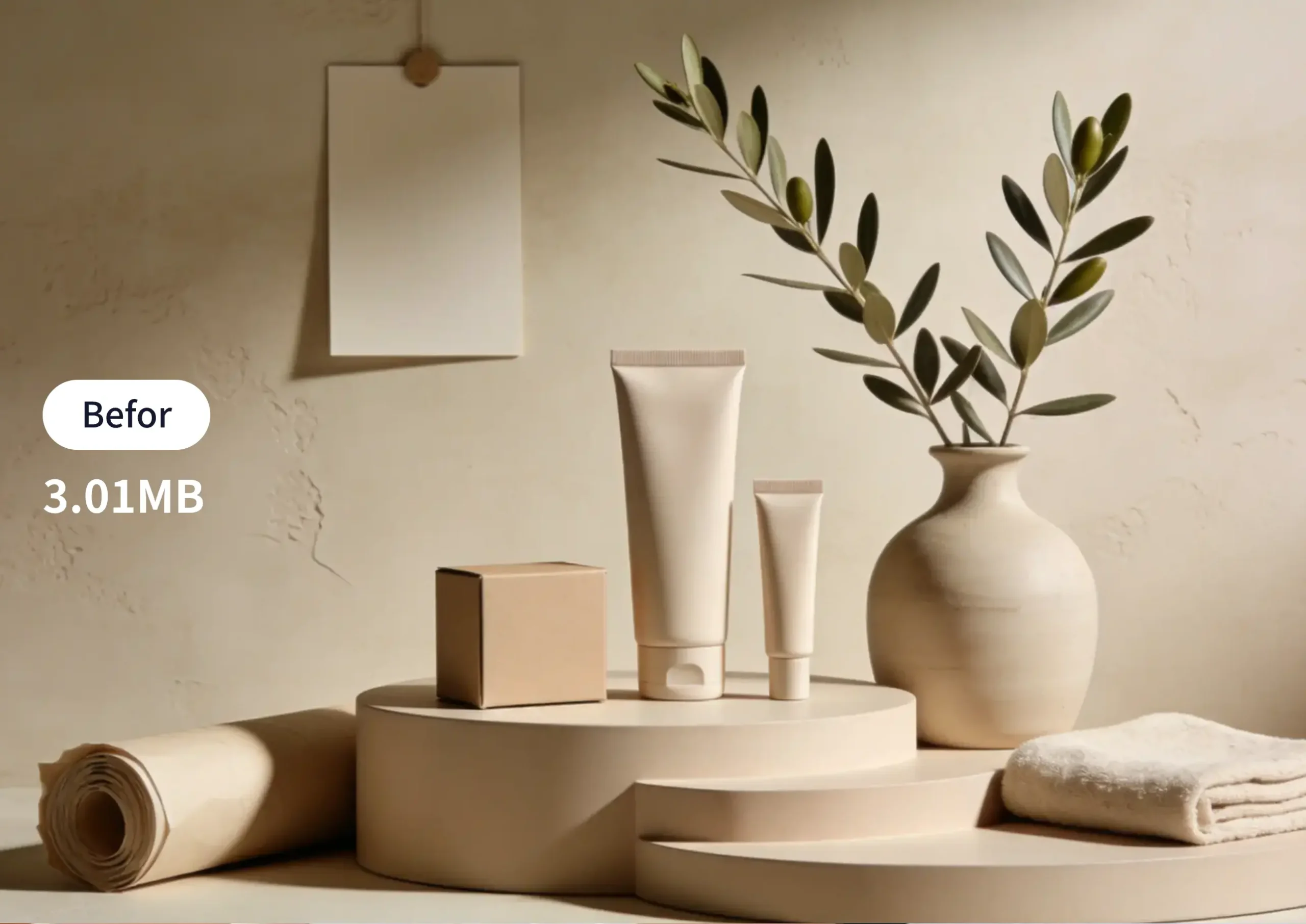
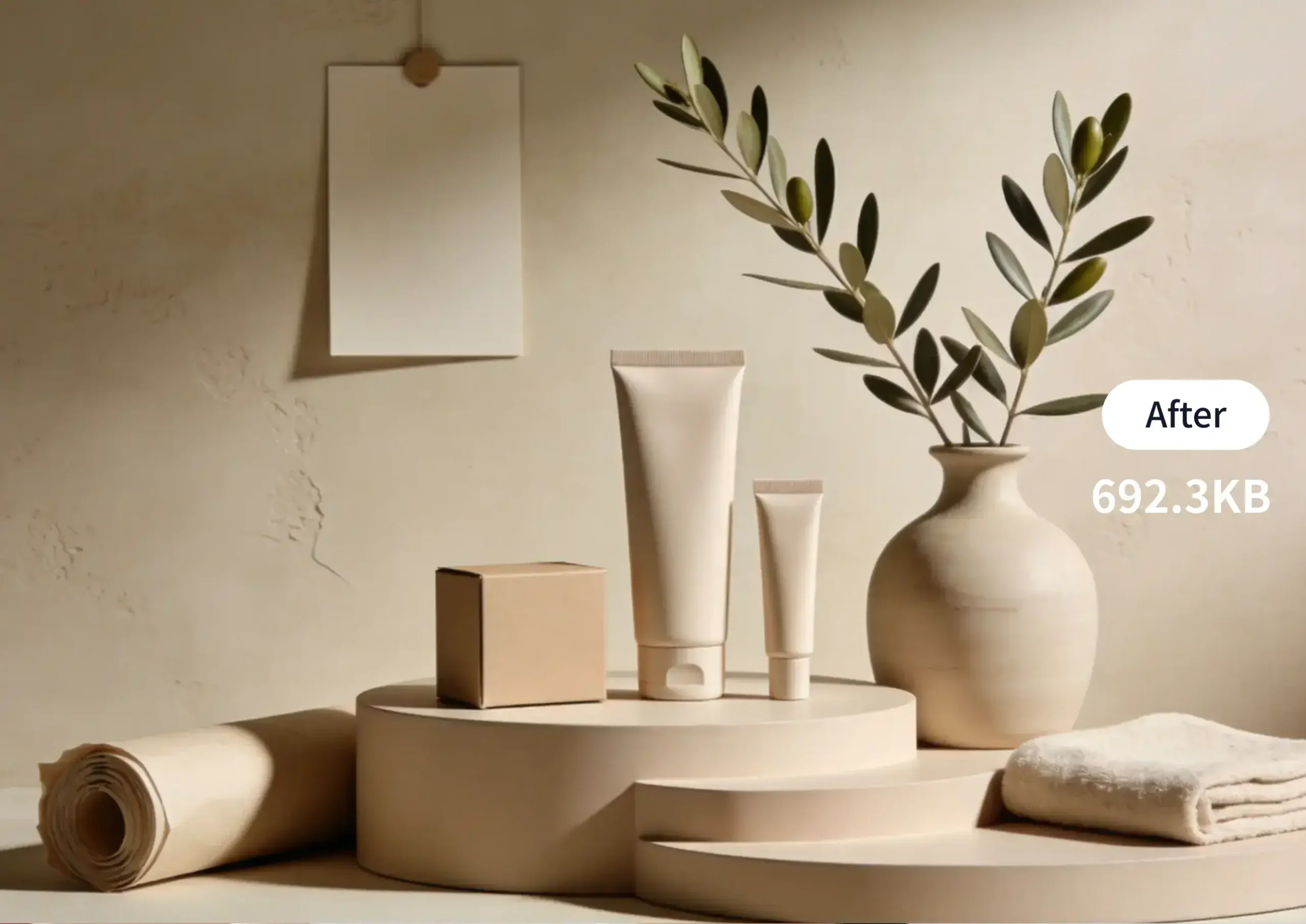
For Designers
Quickly compress design drafts and mockup images: Facilitate client communication, save transmission bandwidth and storage space.
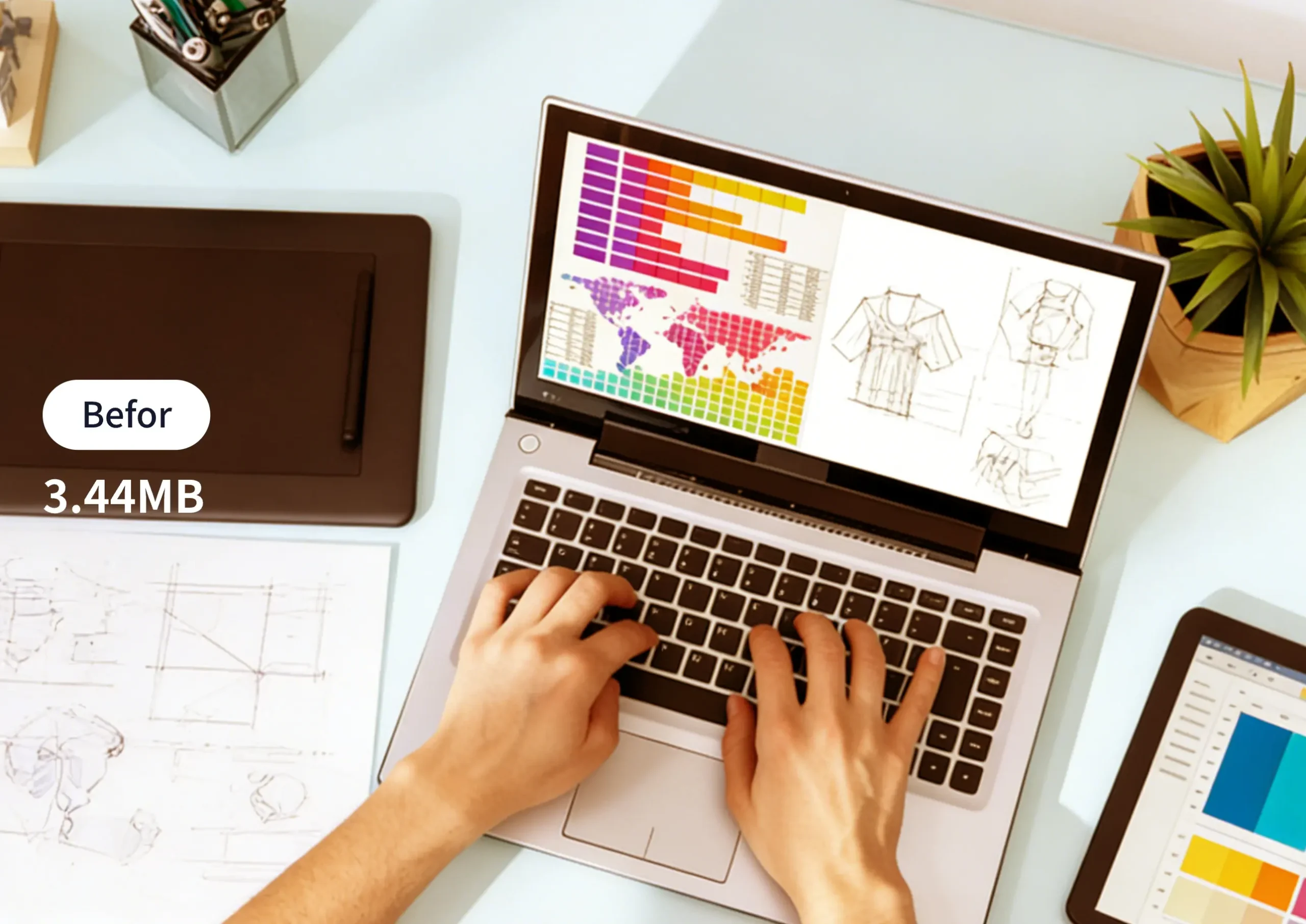
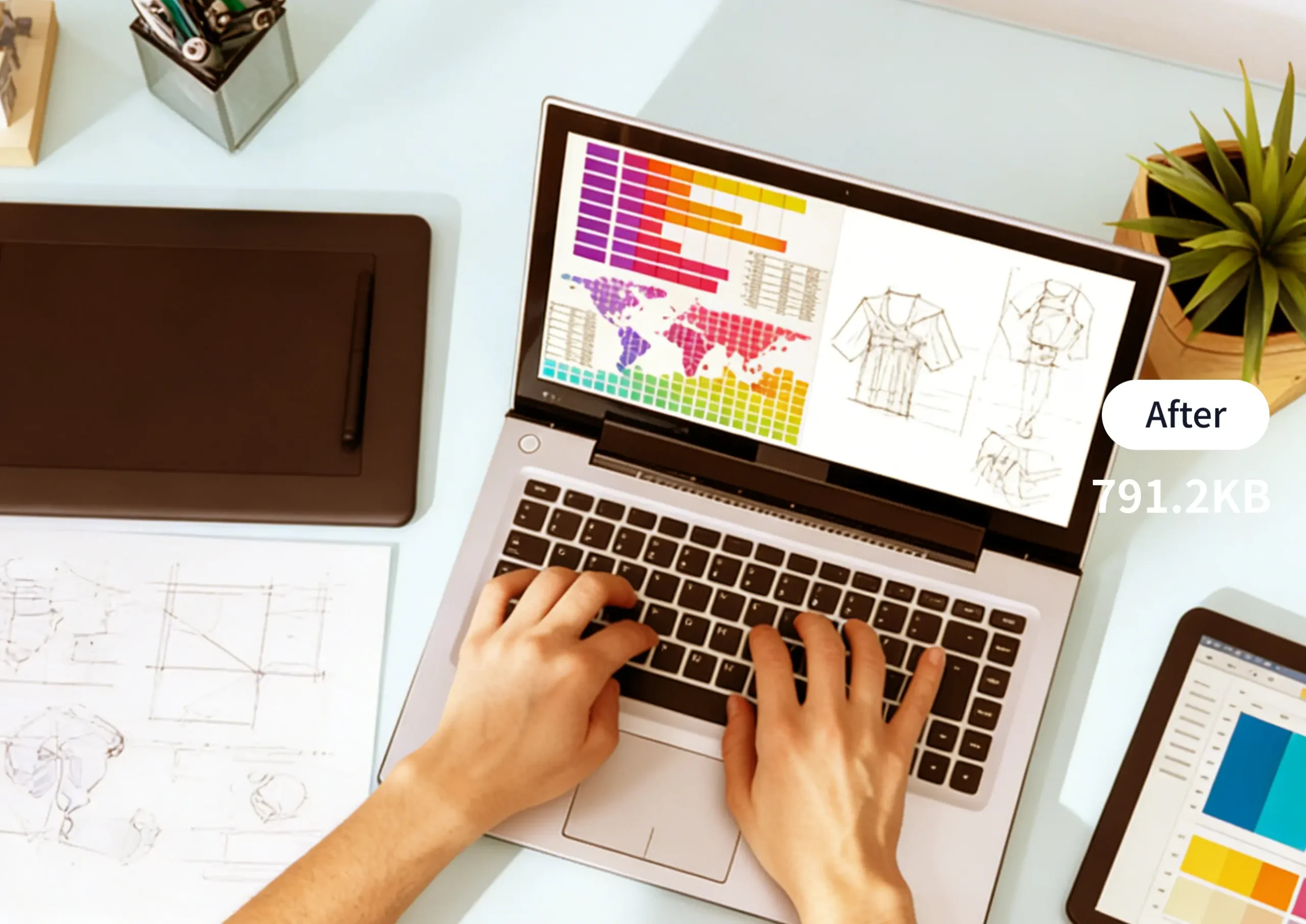
For Daily Office Work
Compress images inserted in PPT/Word: Reduce file size for easier email sending and cloud storage, improving office efficiency.
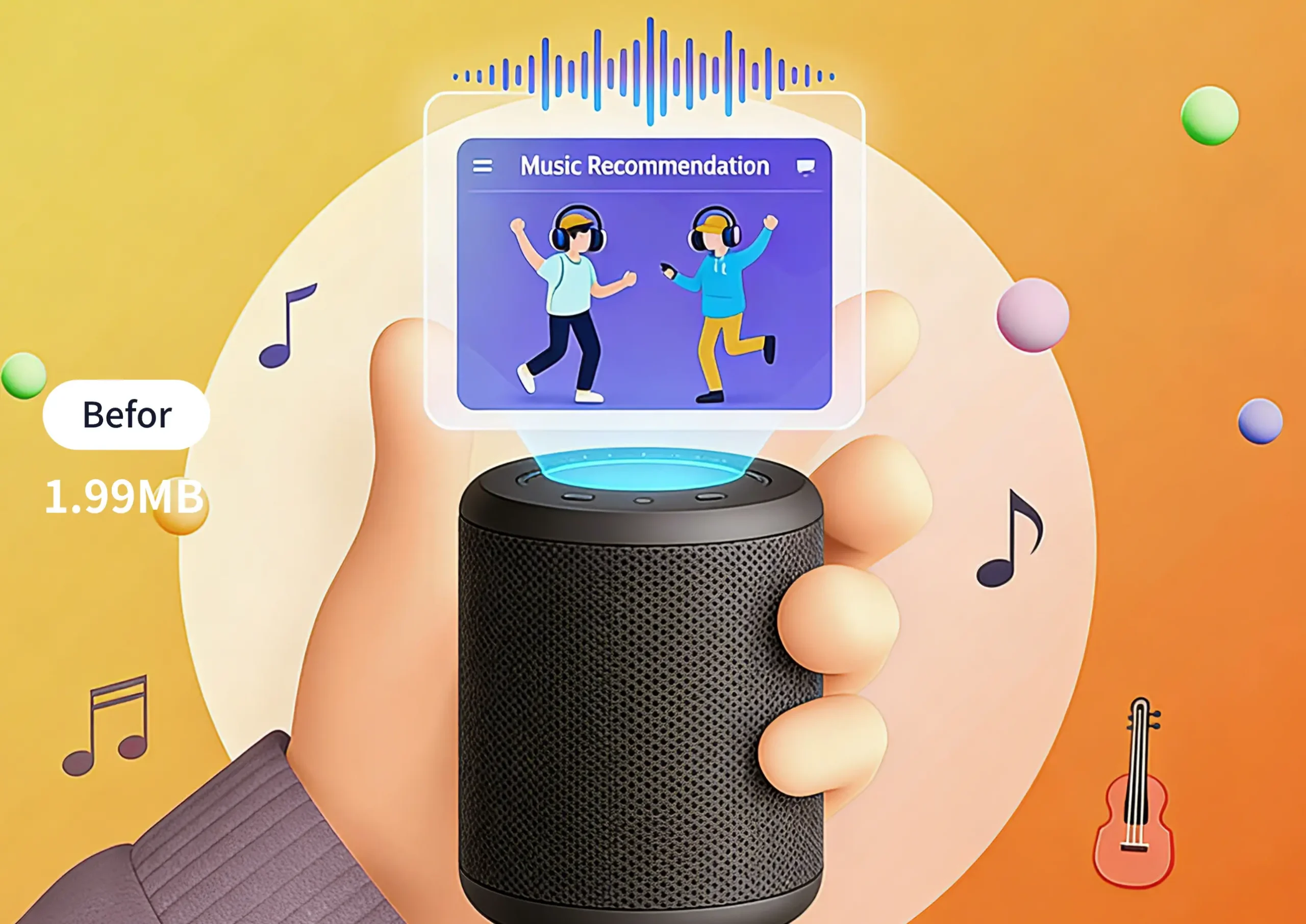
For Website Development
Optimize website visuals: Speed up page loading, improve SEO rankings, enhance visitor browsing experience, and reduce server load.


For Personal Sharing
Compress phone-captured photos and video screenshots: Share quickly on social platforms, avoiding sending failures caused by oversized files.
FAQs About Image Image Compression

How to quickly compress an image?
Just use Aide.art’s image compression feature—it requires no technical expertise at all. Simply upload the image you want to process, and the system will automatically optimize compression parameters. No manual adjustments are needed; compression is completed in seconds with no complex settings required. Even complete beginners can get it done with a single click.

Do I need to learn professional software to compress images?
Not at all. Aide.art’s image compression feature eliminates the need to learn professional software entirely—you don’t have to master complex parameter adjustment tasks. Once you upload the image, the system automatically completes compression, truly achieving “upload and process.”

How does image compression optimize images?
This tool uses an intelligent adaptive optimization algorithm, with no need for manual parameter adjustment: After uploading an image, the system automatically identifies attributes such as image format, resolution, and color mode, precisely removes redundant data, and intelligently balances “optimal compression ratio” and “best image quality.” It drastically reduces file size (saving storage and transmission space) while preserving the original image’s details, colors, and clarity to the greatest extent—so the compressed image can be used directly without secondary adjustments.

Which image formats are supported by Aide.art’s image compression feature?
Aide.art’s image compression feature supports uploads of common image formats (JPG, PNG, WEBP, etc.). Once compression is completed, you can export the optimized image file directly—it has excellent compatibility, making it easy to import into other design tools or use in various scenarios.

Will image compression compromise the original image quality and make the image blurry?
No! It uses intelligent lossless compression logic by default, only streamlining redundant data in the image that doesn’t impact visual quality. The quality of the compressed image is nearly identical to the original, fully meeting the needs of scenarios like daily sharing, design creation, and e-commerce display.

Can transparent background images (PNG, WebP) retain their transparent backgrounds during compression?
Yes! Exclusive compression logic is optimized for transparent-format images: During compression, it can precisely keep the transparent background pure and free of impurities, while ensuring the image edges are sharp, non-blurry, and jagged-free. After compression, it can be directly used in scenarios like design, UI icons, and e-commerce materials—no secondary repairs required.
Why Choose AIde.art for Image Compression?
Authentic User Voices
I struggled with large work email image attachments—rejected or slow to upload. AIde.art’s compressor cuts size by ~70% (sharp quality) in seconds, no more repeated file tweaks.

Sarah Carter
Administrative Assistant

My Amazon product listings’ high-res images slowed page loads and wasted storage. Compressing with this tool keeps the ratio steady at ~80% (clear details)—my store loads faste!

Mike Wilson
Amazon Seller
My blog’s high-res travel photos slowed page loads, making readers leave early. Compressing with AIde.art boosted load speed drastically (no color/detail loss)—now readers stay longer.

Lily Thompson
Travel Blogger
My client’s website’s oversized images hurt load speed and SEO ranking. Compressing with this tool boosted speed by 40% (zero quality loss)—the site’s SEO score rose, and my client is thrilled.

Tom Harris
Web Developer
I often compress design asset images—they’re large but need sharp details. AIde.art cuts size to ~75% (no quality drop) quickly, making file sharing with clients way easier.

Emma Roberts
Graphic Designer
My social media visuals are often too large (slow to post/load). This tool compresses to ~70% (crisp visuals) quickly—posts go live faster, and audience engagement has improved.

Ryan Moore
Social Media Operator