


Background Remover

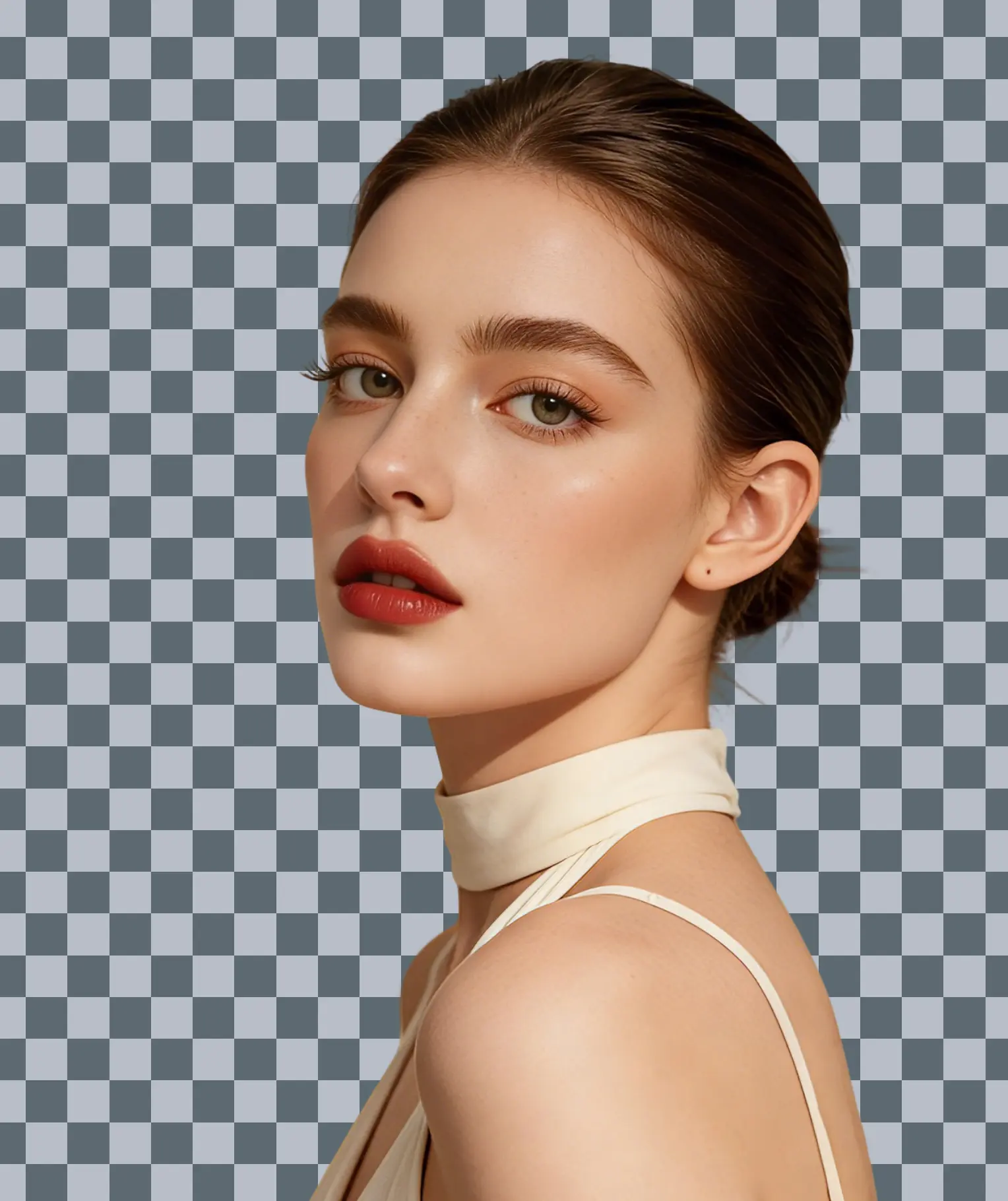






Remove Backgrounds Easily in Just 3 Seconds
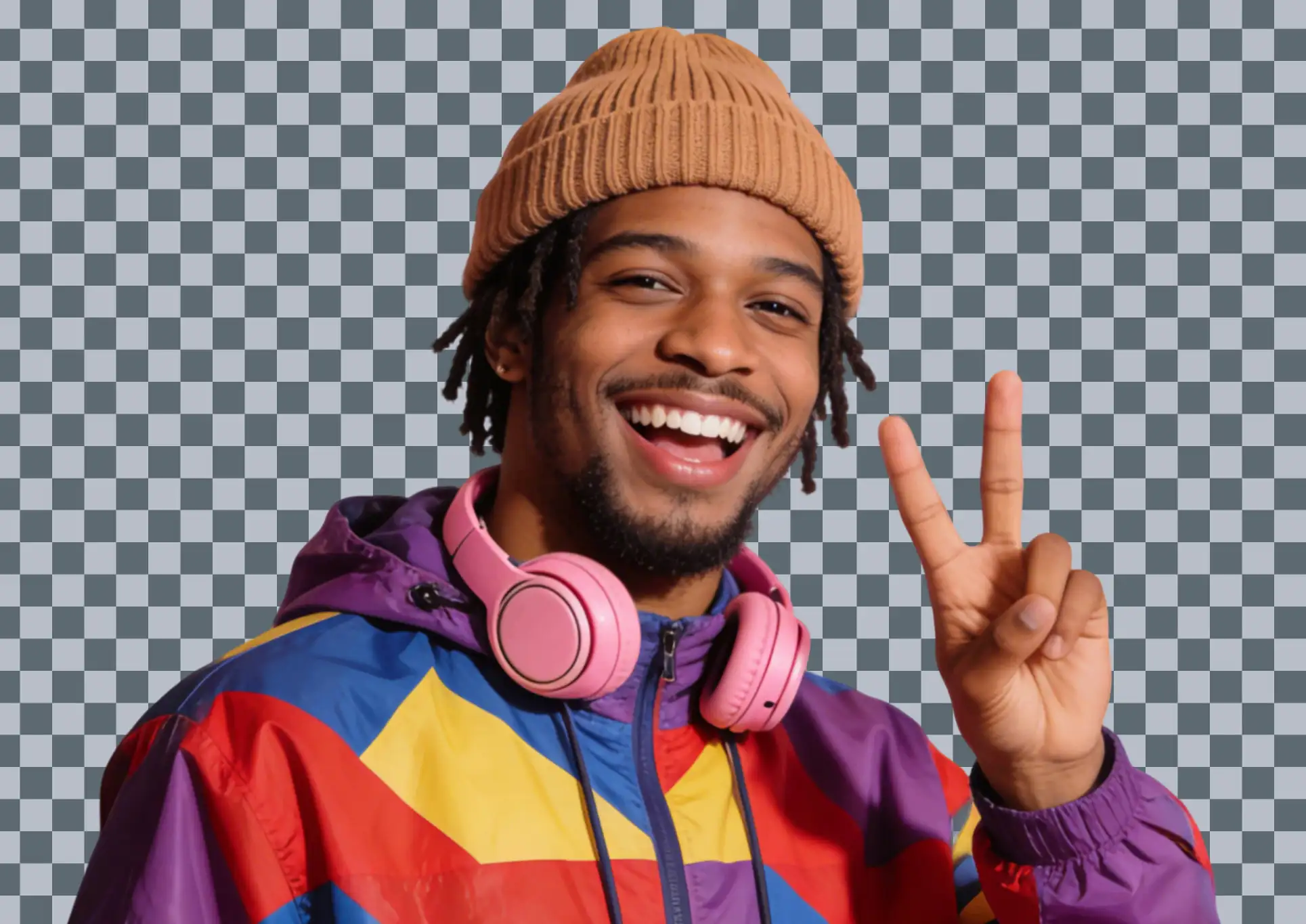
No complicated operations required—just upload with one click to finish AI intelligent image cutout; after the image is uploaded, the cutout effect will automatically appear and a transparent image will be generated within three seconds, and it also supports image cutout needs for multiple scenarios such as portraits, items, seals, ID photos, etc.
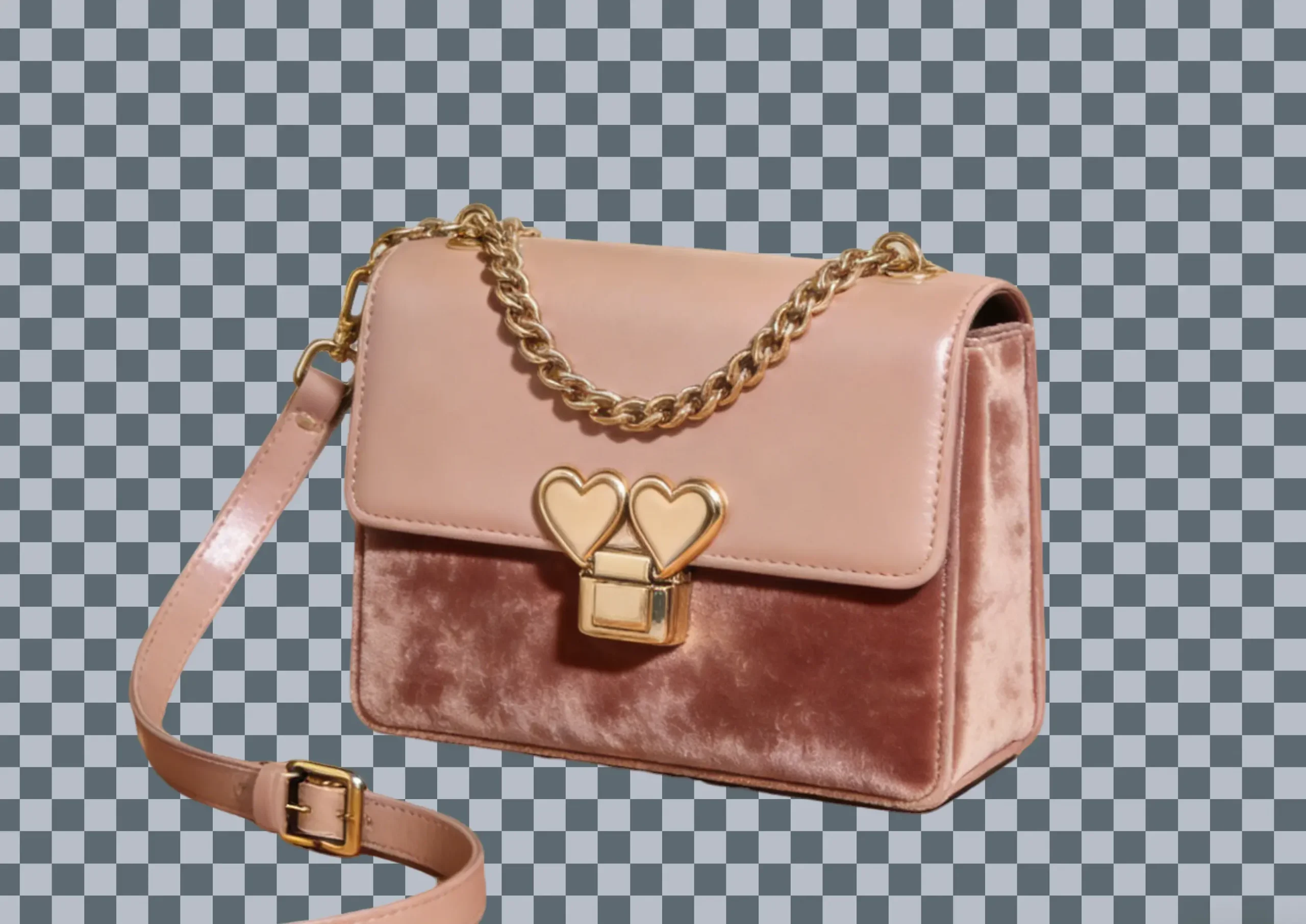
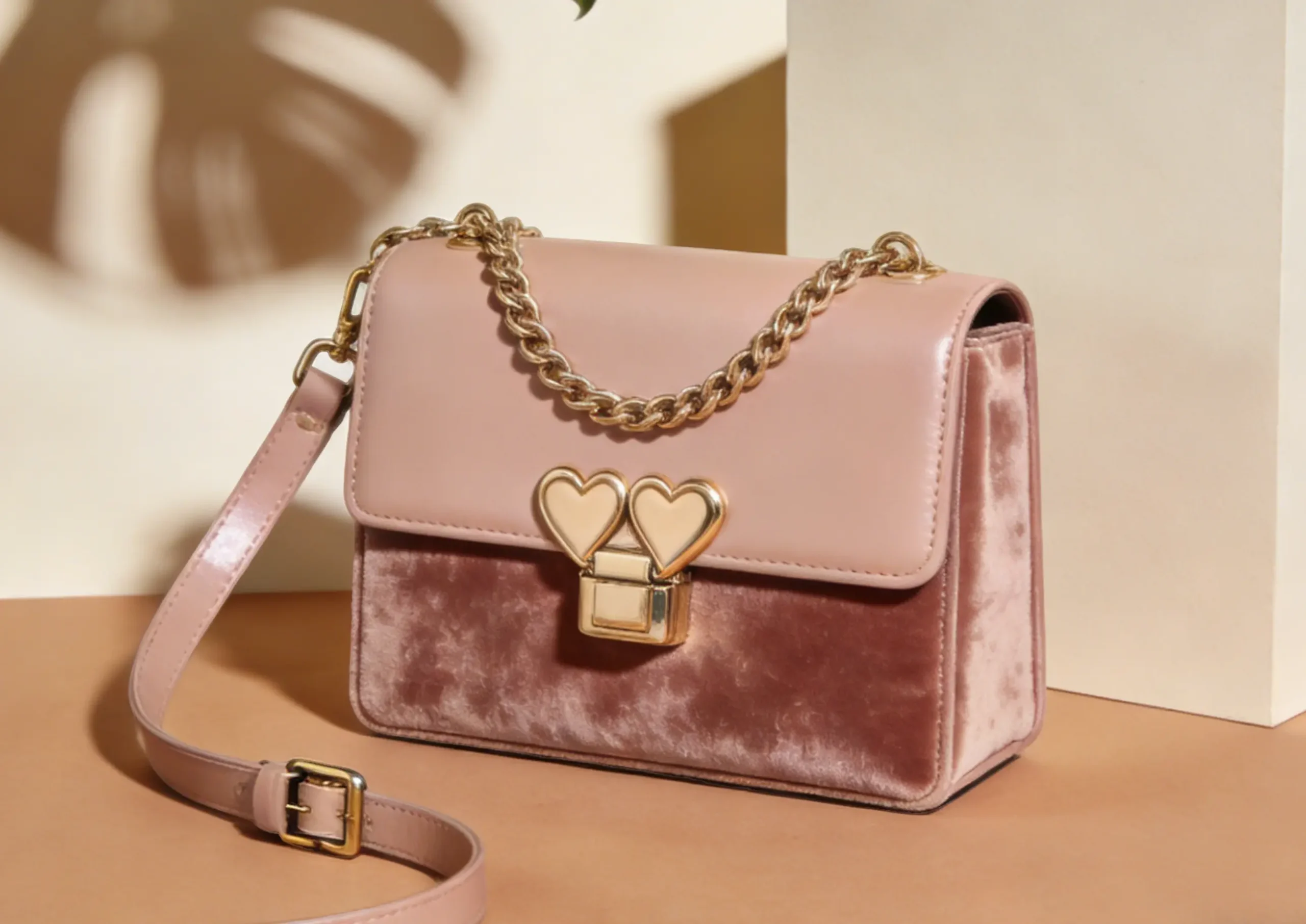
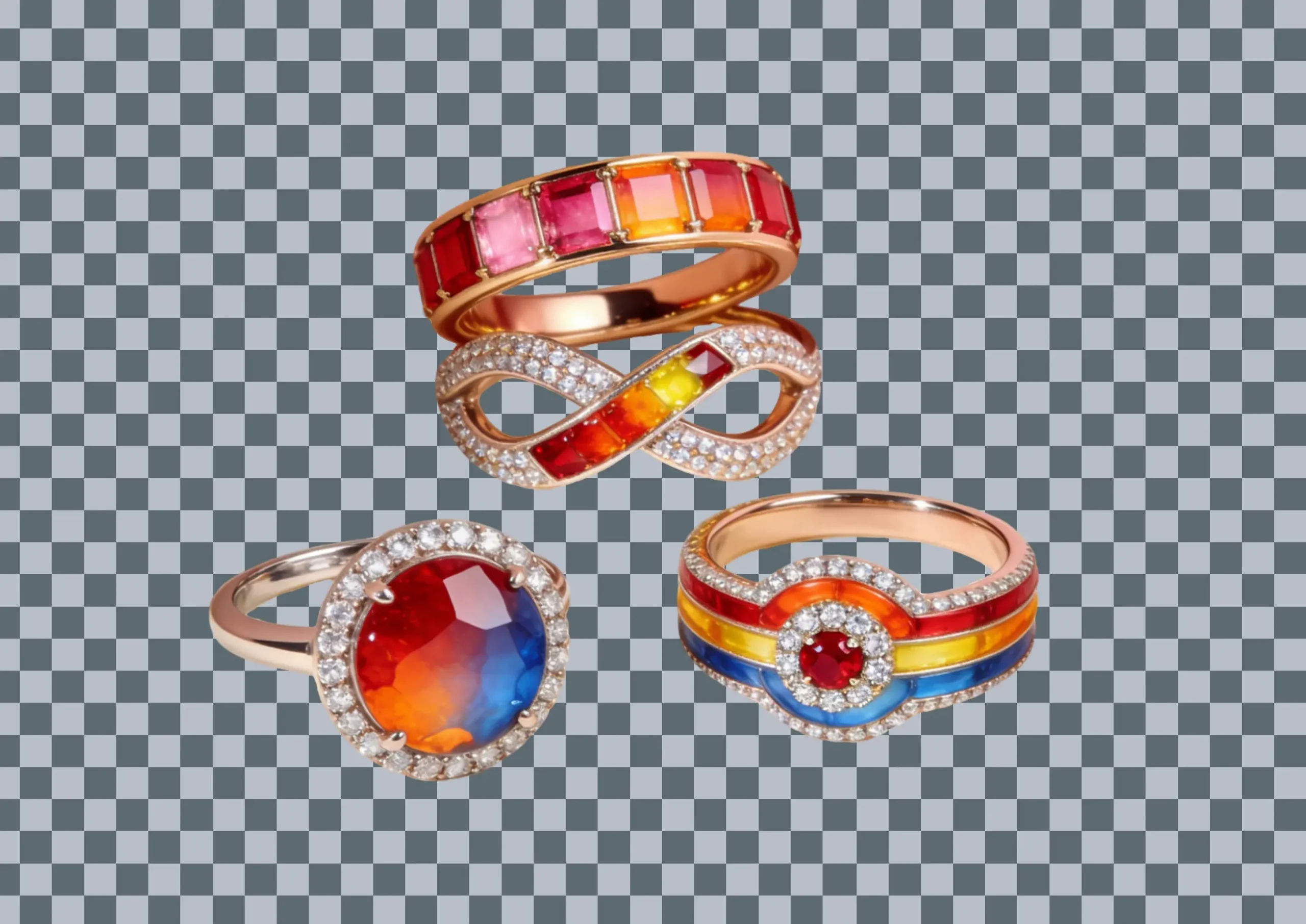

Simple Operation, No Skills Required
You don’t need to learn professional image cutout methods, nor install any software; just click to upload your image materials, and you can generate professional-level cutout effects online. You can also easily process images anytime and anywhere—it’s both convenient and fast, with guaranteed quality.
Hair-Specific Precise Image Cutout Effect
The AI image cutout can intelligently recognize edges and achieve hair-strand-level cutout through precise segmentation; whether it’s a complex background or a subject with rich details, it can be accurately identified, while perfectly removing gaps and holes to restore the original aesthetic of the image.
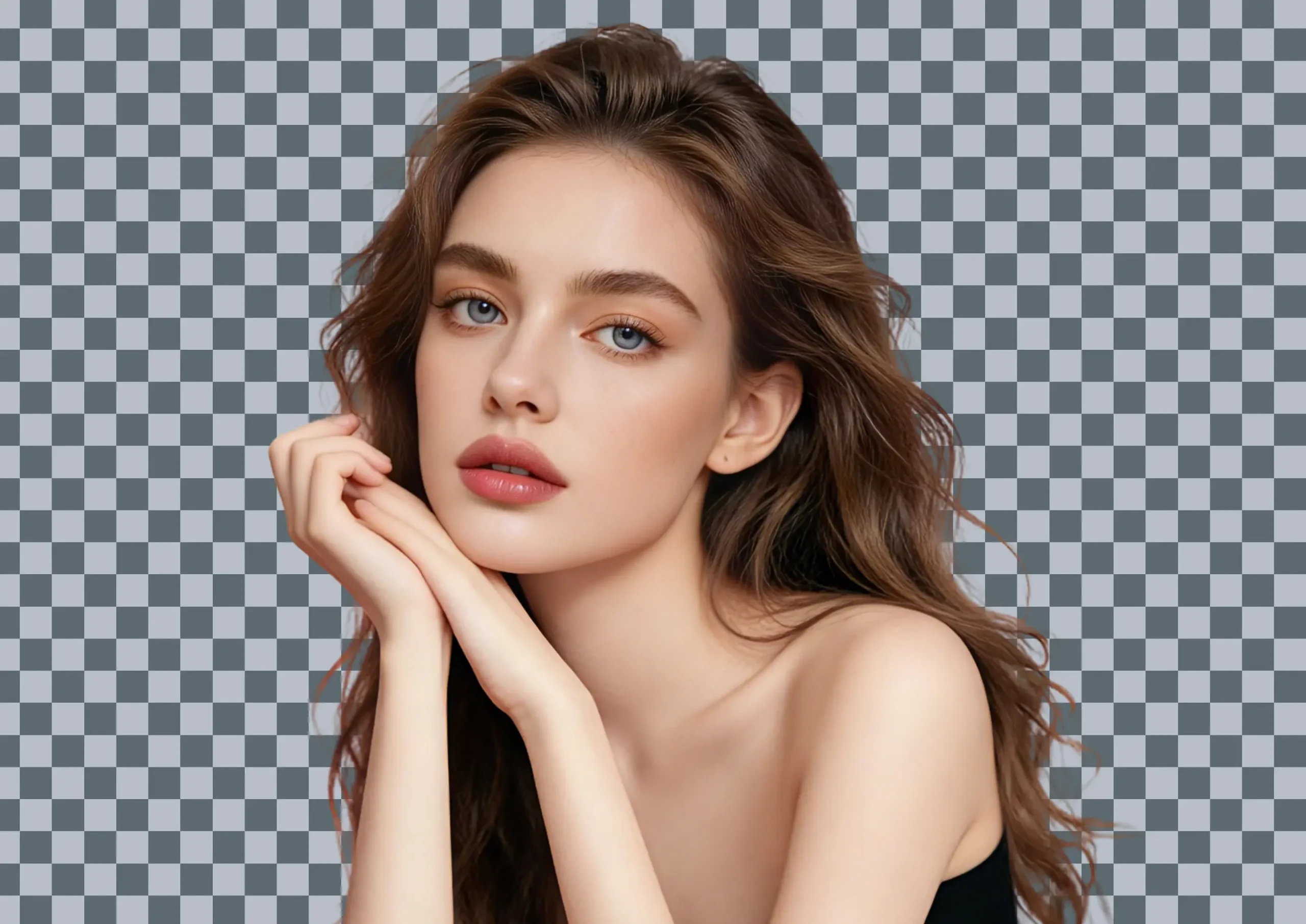

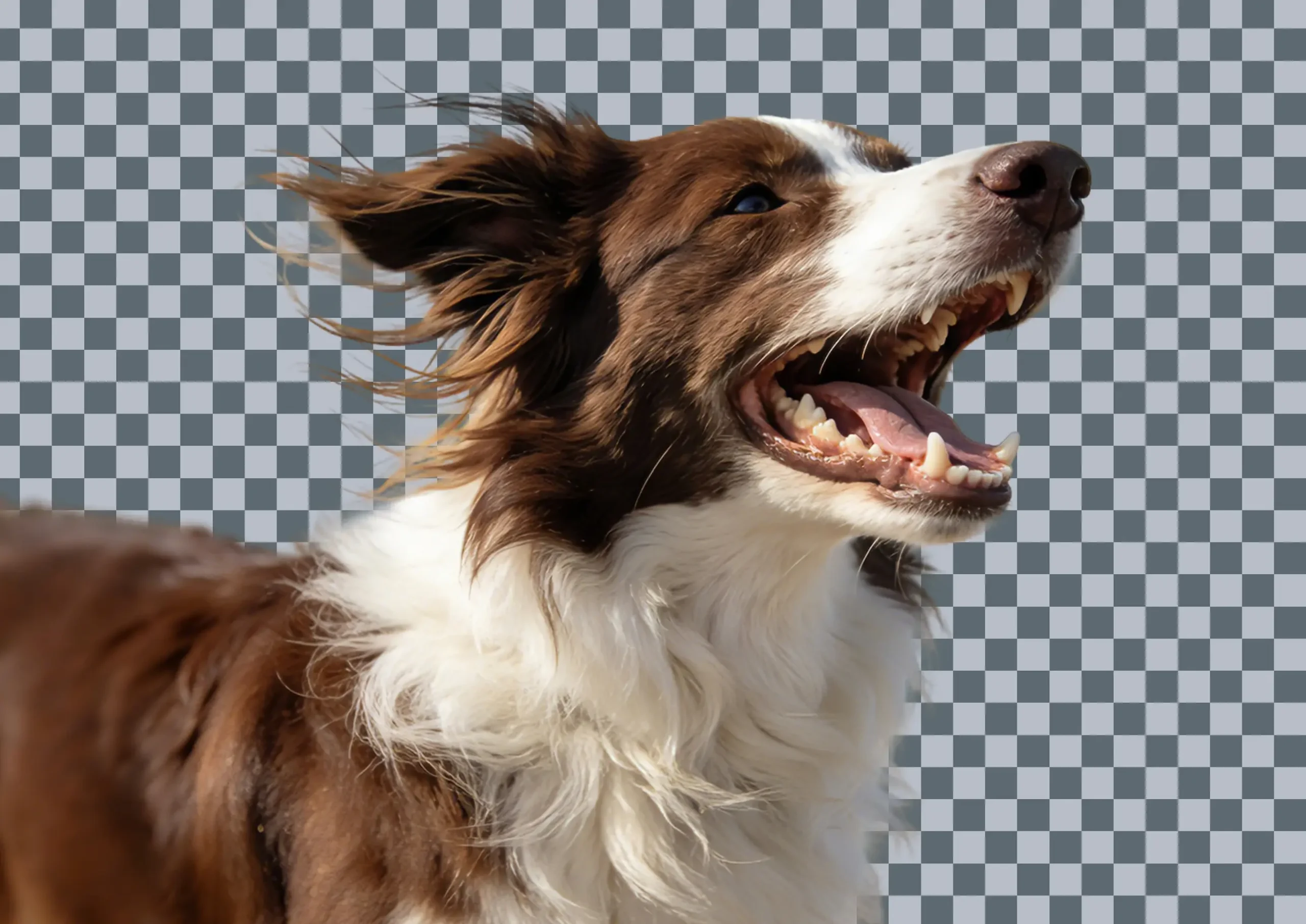

Efficiently Separate Complex Backgrounds
With pixel-level background recognition technology, it can intelligently distinguish between the subject and the background; complex backgrounds can be extracted and separated with just one click, with a thorough and residue-free removal effect; it can easily handle solid colors, gradients, complex textures, and real-shot backgrounds.
How to Remove Image Backgrounds?

Upload Image
Click the “Upload Image” button, or drag files to the designated area. It supports multiple image formats for cutout processing (e.g., JPG, PNG, JPEG, WEBP).

Compress Image
The AI automatically recognizes the subject and edges to precisely remove the background, and can easily clear even complex backgrounds completely~

Download & Save
Click the “Download” button to export PNG image files with transparent backgrounds and save them to your computer.
Remove Background from Picture Use-Cases
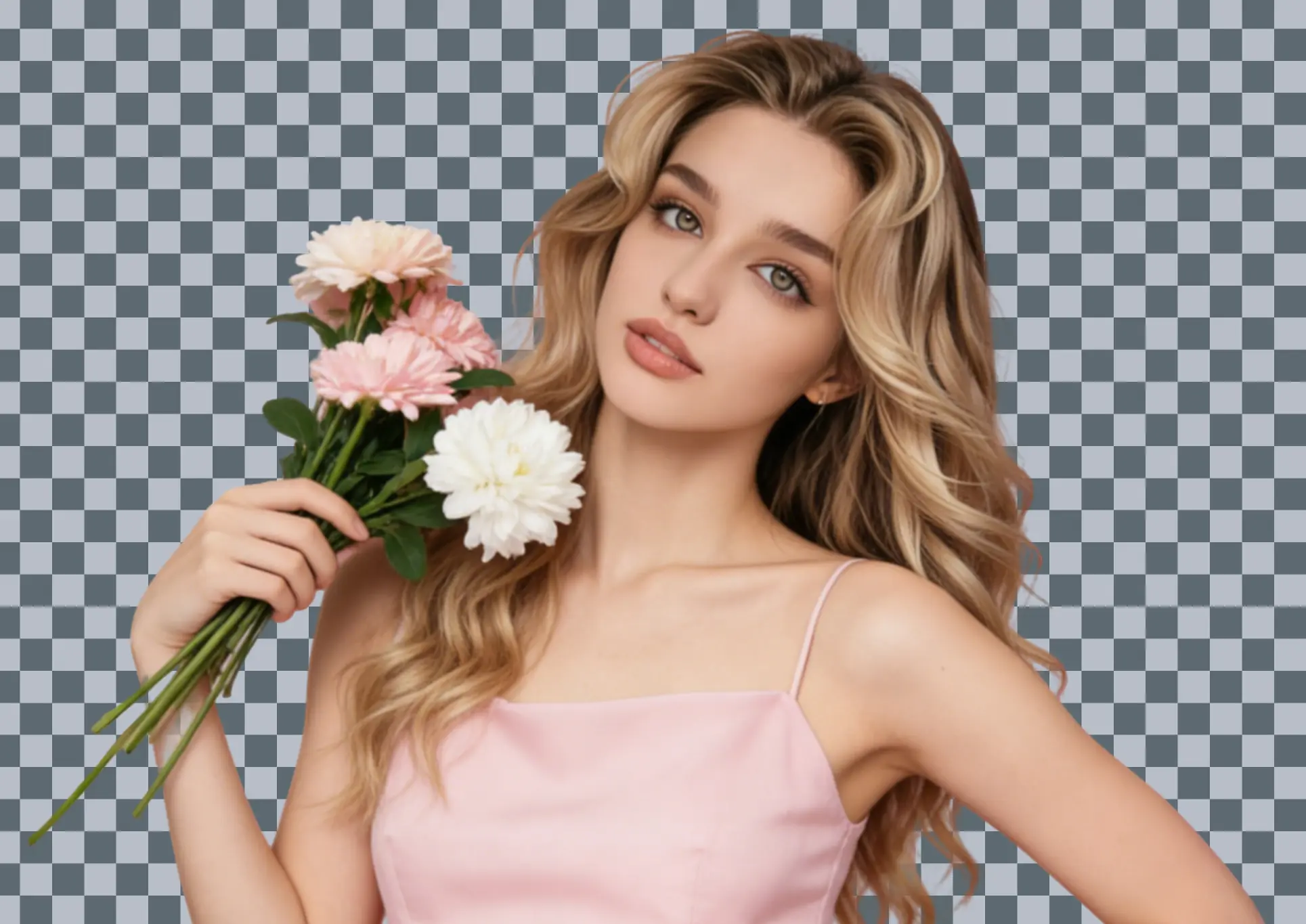

For Portraits
Accurately extracts portraits with hair details, edges natural and seamless. Aligns with Western texture aesthetics, perfect for LinkedIn profiles, ID photos, and social bios.
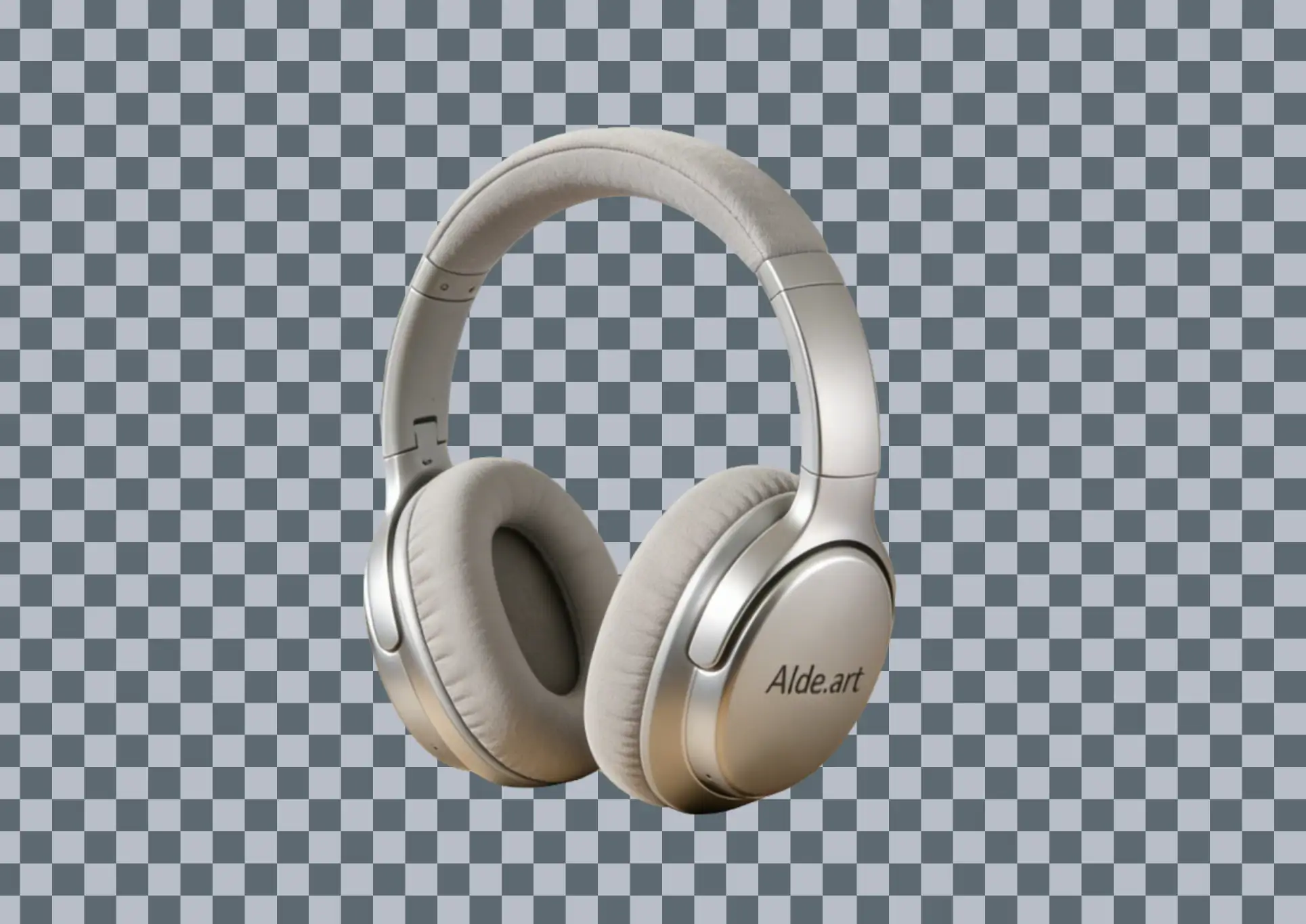
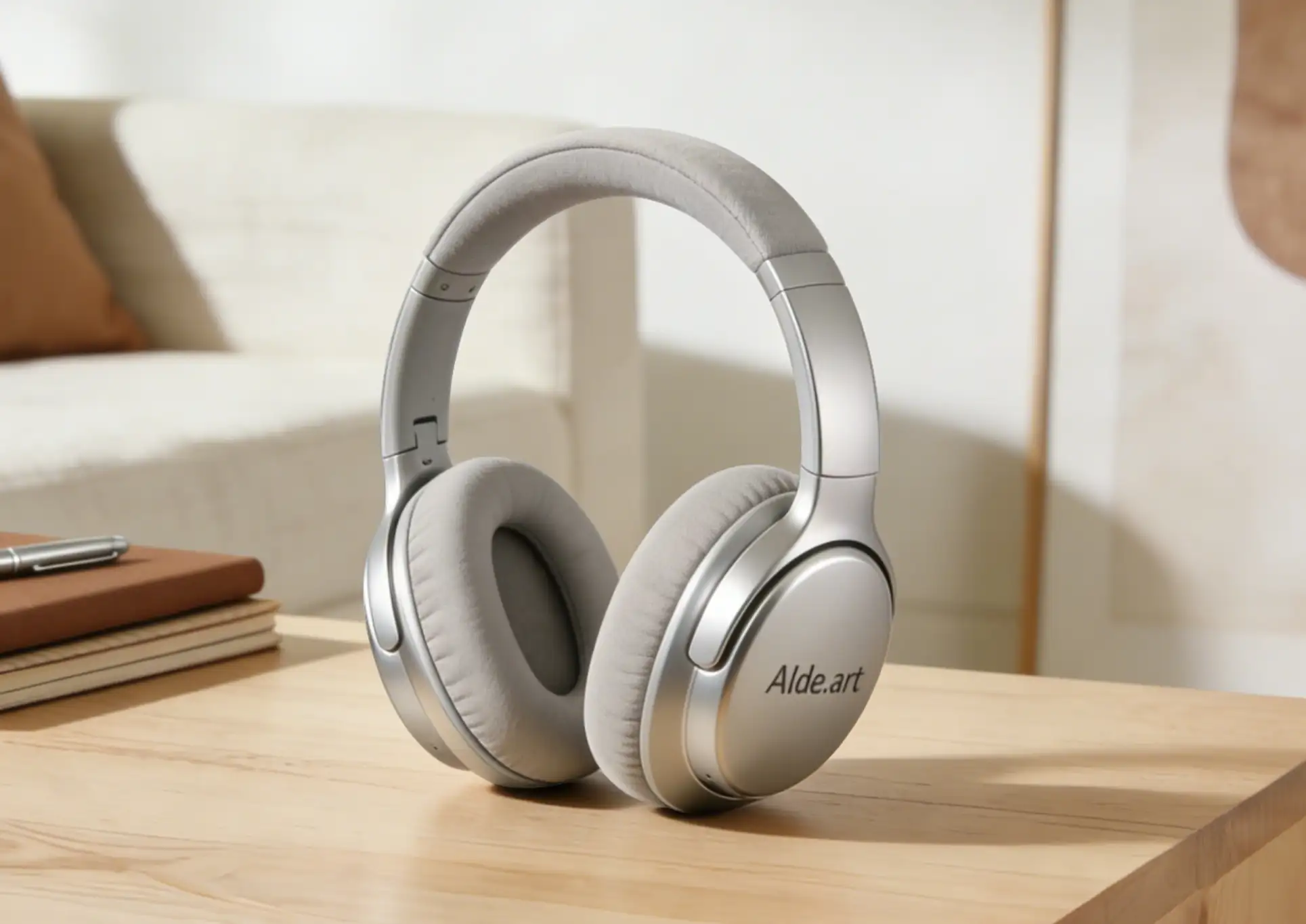
For E-Commerce
Quickly removes unwanted backgrounds for Amazon/Shopify/Etsy-compliant main images. Puts products front and center, boosting listing clicks and conversions.
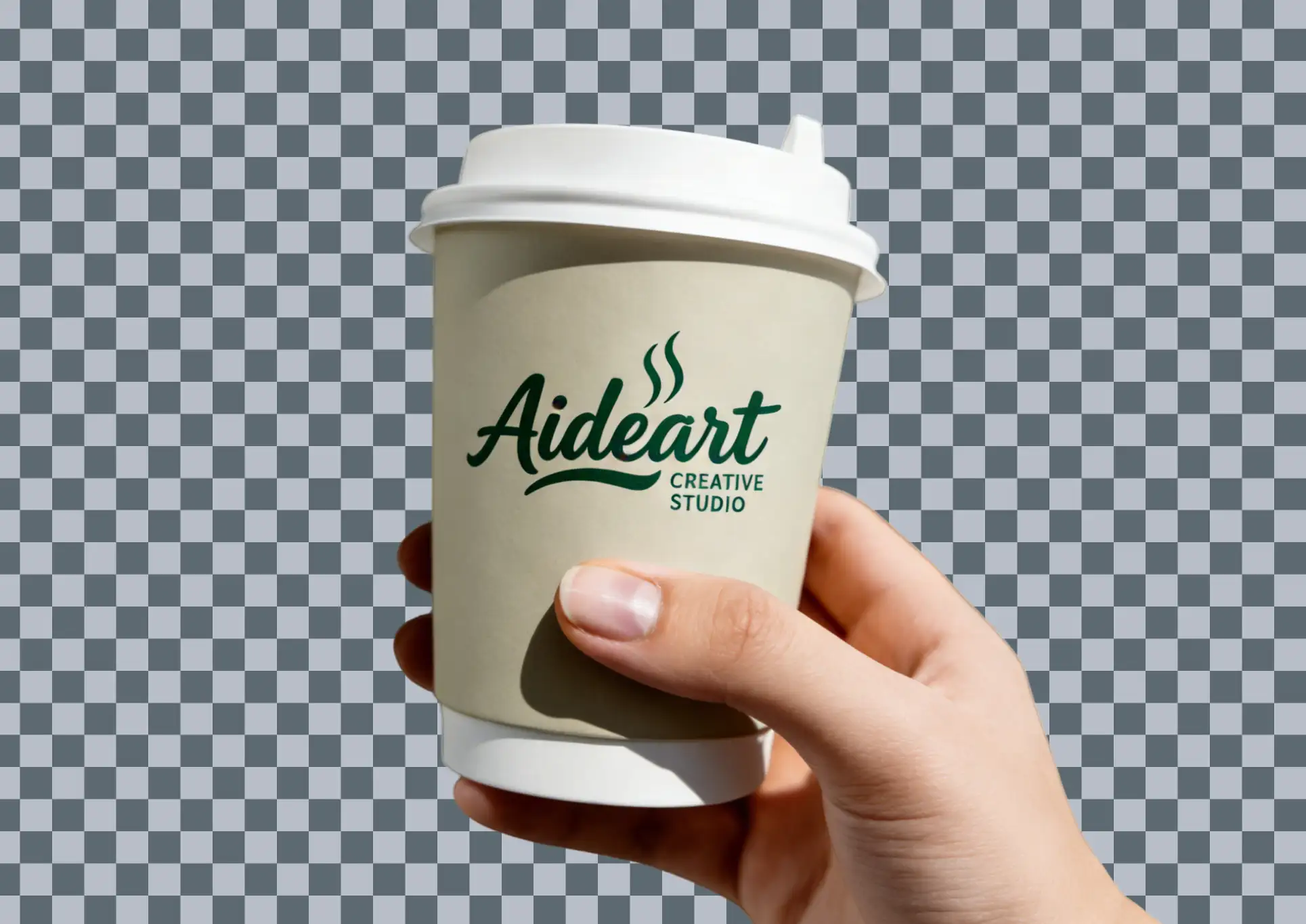
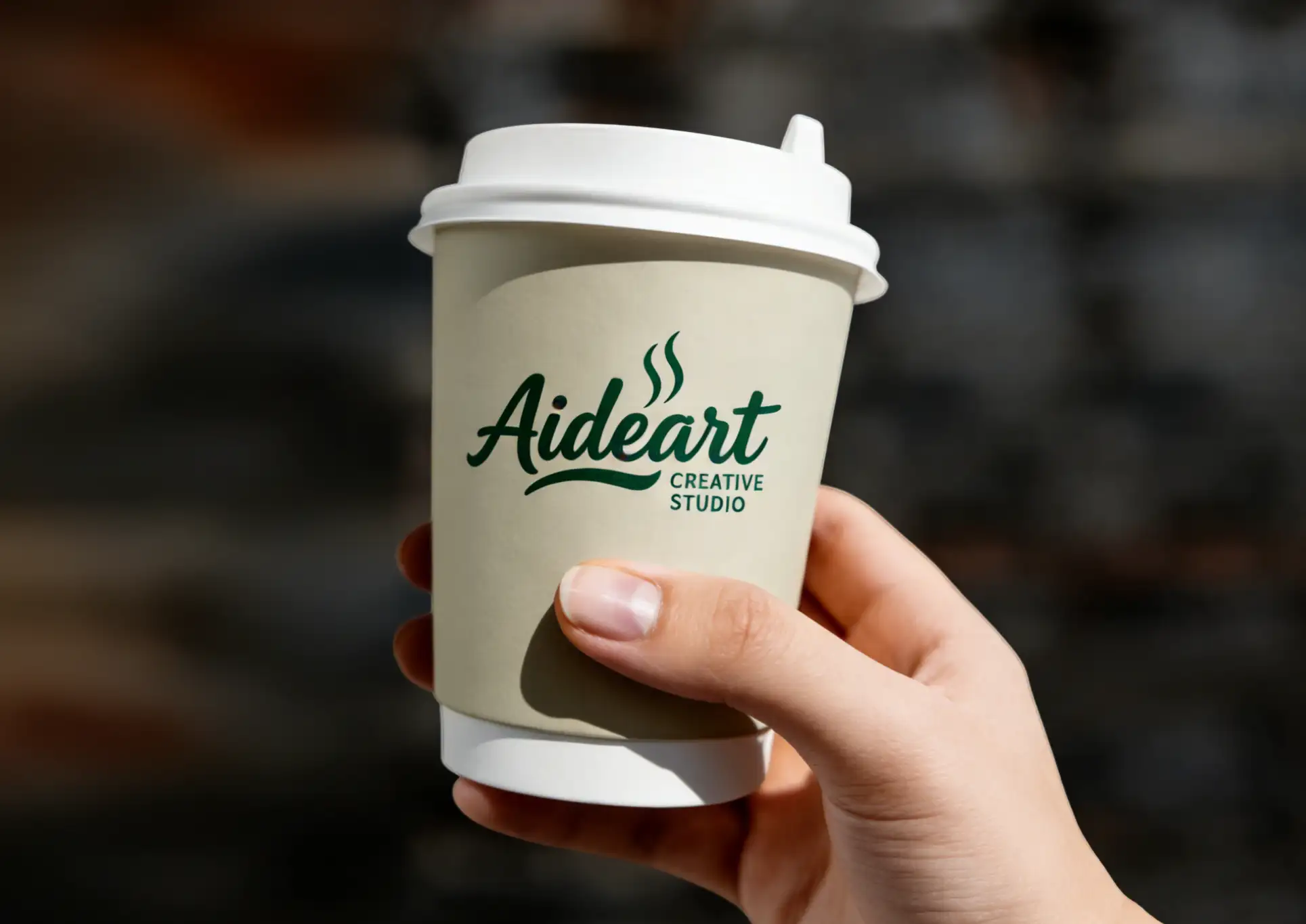
For Brand Design
High-precision extraction of brand elements, exports PNG. Fits VI systems and packaging, ensures consistent brand visuals.


For Digital Marketing
Efficiently extracts marketing subjects into transparent files. Works seamlessly with Google Ads/Facebook Ads, fully compliant with GDPR/CCPA.
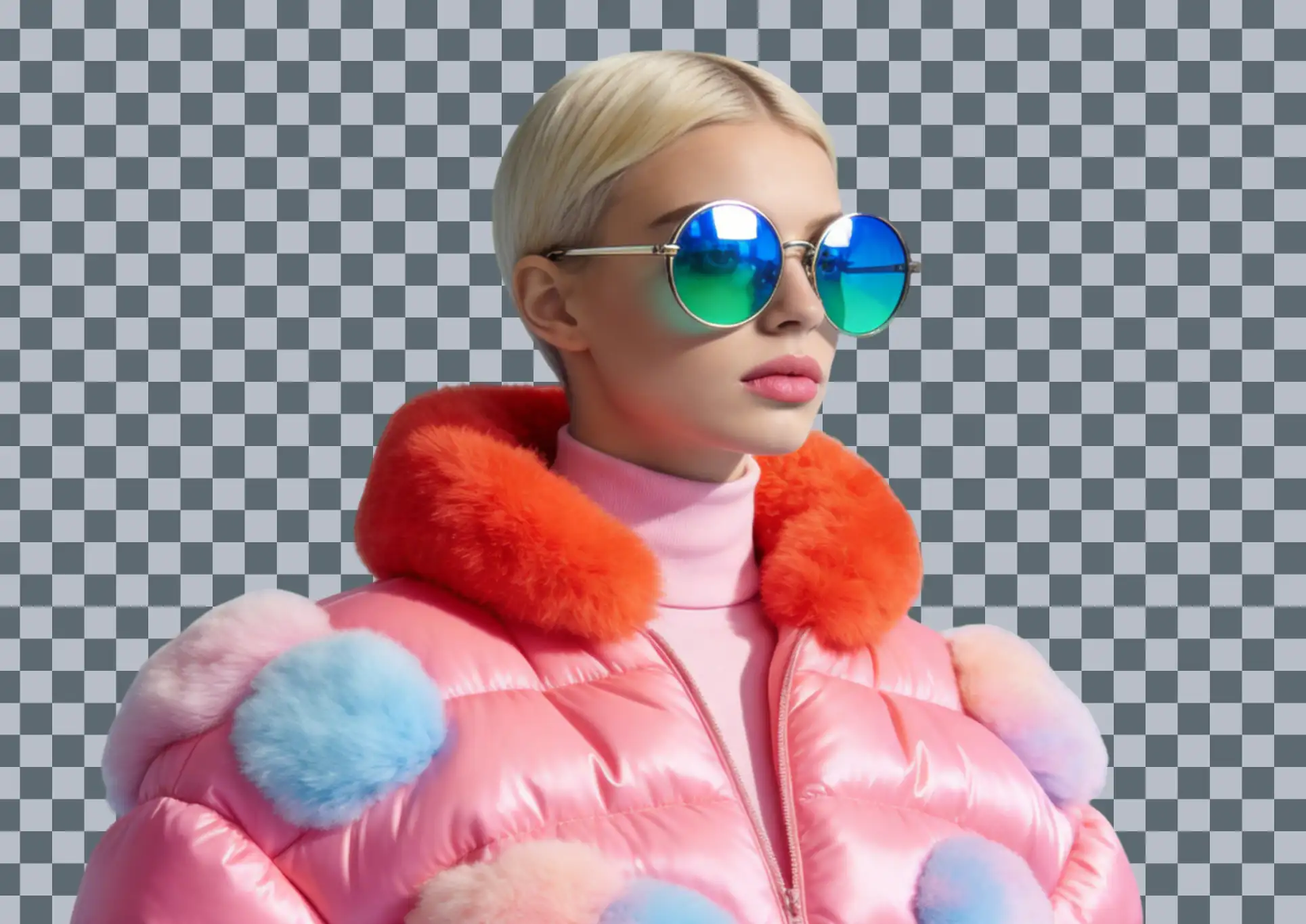

For Creators
Quickly extracts core content to save editing time. No professional skills required—ideal for YouTube thumbnails and podcast covers.

For Social Media
Easily removes daily backgrounds into transparent files for major social platforms. Creates eye-catching content fast, enhancing efficiency and engagement.
FAQs About Image Background Remover

How to quickly remove the background from an image?
Just use AIde.art’s AI-powered image background removal feature—it requires no technical expertise at all. Simply upload the image you want to edit, and the system will automatically identify the main subject in the frame. No manual adjustments are needed; the background will be removed in seconds, with no complex settings required. Even complete beginners can get it done with a single click.
Do I need to learn Photoshop to remove an image’s background?
Not at all. AIde.art’s AI background removal feature eliminates the need to learn professional software entirely—you don’t have to master complex tasks like pen-tool selection or channel adjustments. Once you upload the image, the AI automatically separates the subject and removes the background, truly achieving “upload and process.”

How does AI background removal compare to manual editing by professional designers?
AIde.art’s AI background removal is just as good as manual editing by professional designers. Powered by advanced AI image recognition tech, it accurately captures the subject’s outline—preserving everything from complex edges and fine textures to translucent objects and hair-thin details. The edited image has natural, smooth edges, making it suitable for professional use cases like e-commerce main images and promotional materials.
Which image formats are supported by this background removal feature?
AIde.art’s background removal feature supports uploads of common image formats (JPG, PNG, WEBP, etc.). Once the background is removed, you can export the image directly as a transparent-background PNG—easy to import into other design tools or use in other scenarios, with excellent compatibility.

Do I need to download a client software for image background removal? Can it be used online?
No need to download any client software; it is a pure online tool that is ready to use instantly. After opening the webpage, add images by clicking to upload or dragging and dropping. The entire background removal process is completed in the browser webpage. No plugins are required, it can be used online, and the operation is zero-threshold.

Will image background removal lose the original image quality and blur the picture?
No! It adopts the intelligent lossless background removal technology by default, which only removes the background content in the image. After background removal, the image quality is almost the same as the original one, fully meeting the needs of daily sharing, design creation, e-commerce display and other scenarios.
Why Choose AIde.art to Remove Backgrounds?
Authentic User Voices
I got a client’s urgent revision—their product pic needed background removal. AIde.art finished it in 20s, with clean edges. Saved my reputation; the client loved the fast turnaround!

Ella Torres
Graphic Designer

My outdoor clips had messy greenery/crowds—AIde.art’s background remover picked out the subject perfectly. No blurry edges, blended right into the new scene. Game-changer for my edits!

Owen Hale
Short Video Editor
For my outfit posts, I swap backgrounds often—AIde.art removes old ones in 1 click, so I drop looks into café/beach scenes fast. My posts get way more engagement now!

Luna Rao
Content Creator
Transparent glassware used to ruin shots—AIde.art’s tool keeps the glass’s clarity while stripping the messy backdrop. Crisp, professional results every single time!
Noah Cruz
Product Photographer
I scan hand-drawn art—AIde.art removes paper backgrounds without blurring fine lines. Easy to mix with other elements; my collages look seamless now!

Ethan Mendez
Designer
Our team shares cutouts often—AIde.art’s files work in every design tool. No formatting issues, everyone uses them smoothly. Cuts our collaborative time a lot!

Zoe Lin
Designer