



Watermark Remover


Instantly erase logos and text from your images for free, using smart AI inpainting to flawlessly restore original HD quality without a trace.







Preserve Original Quality with Zero Loss
Our AI-powered precision ensures seamless watermark removal without damaging the original scene or losing a single detail. By perfectly maintaining the initial clarity and resolution, the tool intelligently reconstructs the background to restore your images to a flawless, high-definition state with stunning visual refinement.
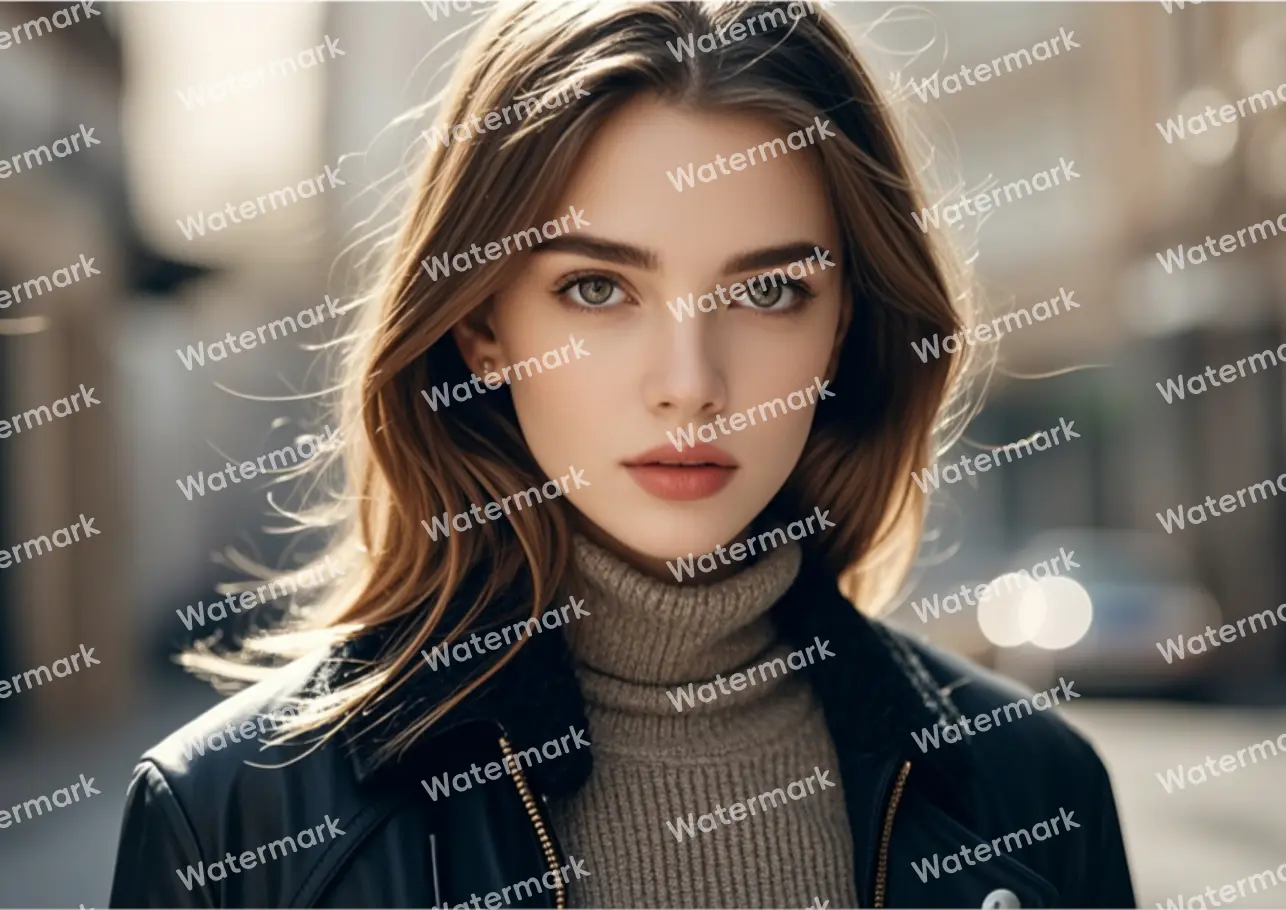

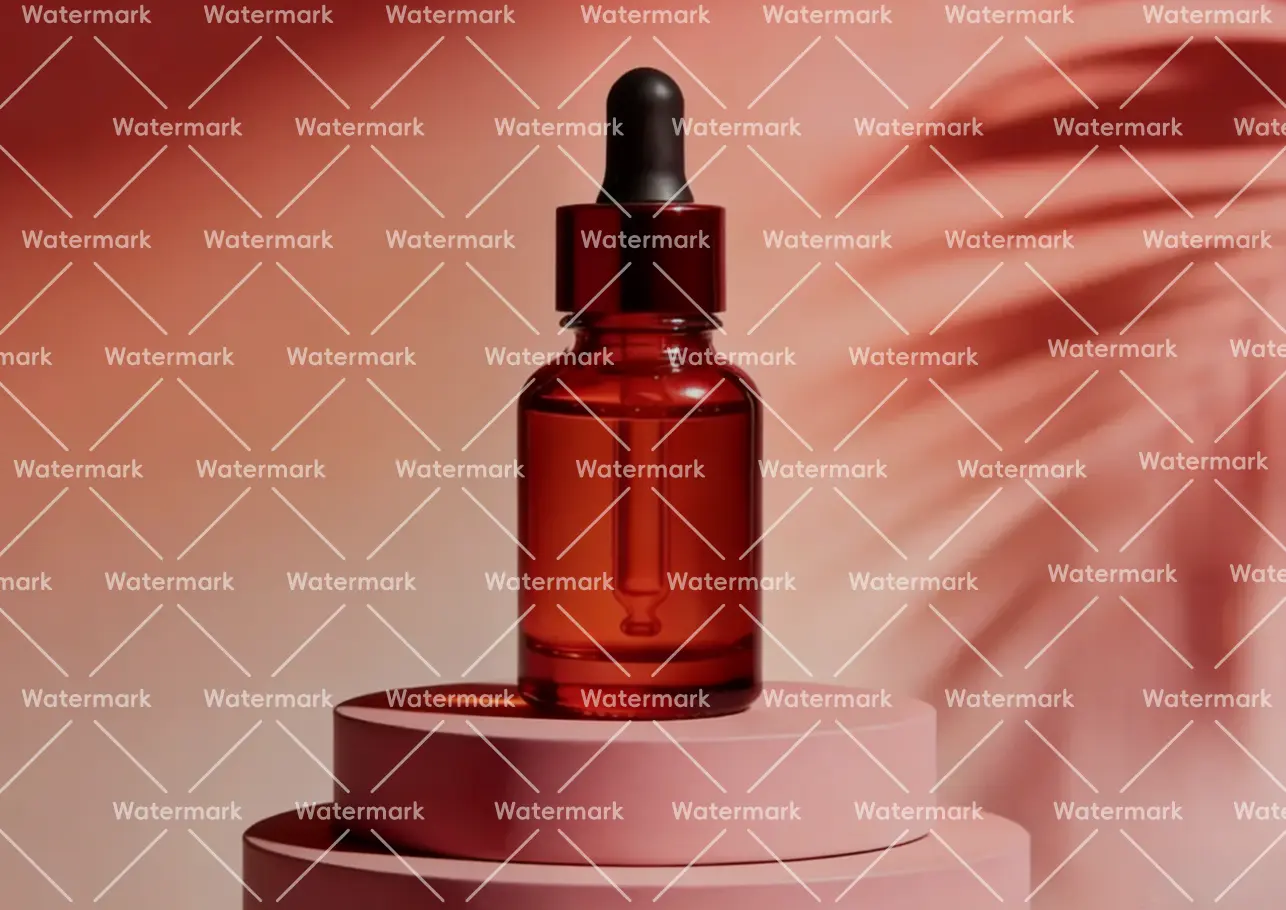

Flawless Removal of Complex Watermarks
Whether it’s full-screen patterns, repetitive textures, timestamps, or complex multi-layered, translucent, and blurred overlays—our AI intelligently scans and eliminates every trace with one-click precision, ensuring a natural and spotless finish every time.
Professional Results, Zero Learning Curve
Skip the heavy software and steep learning curves of professional tools like Photoshop; simply upload your image to your browser for instant results that empower anyone to achieve high-efficiency watermark removal with zero prior experience.
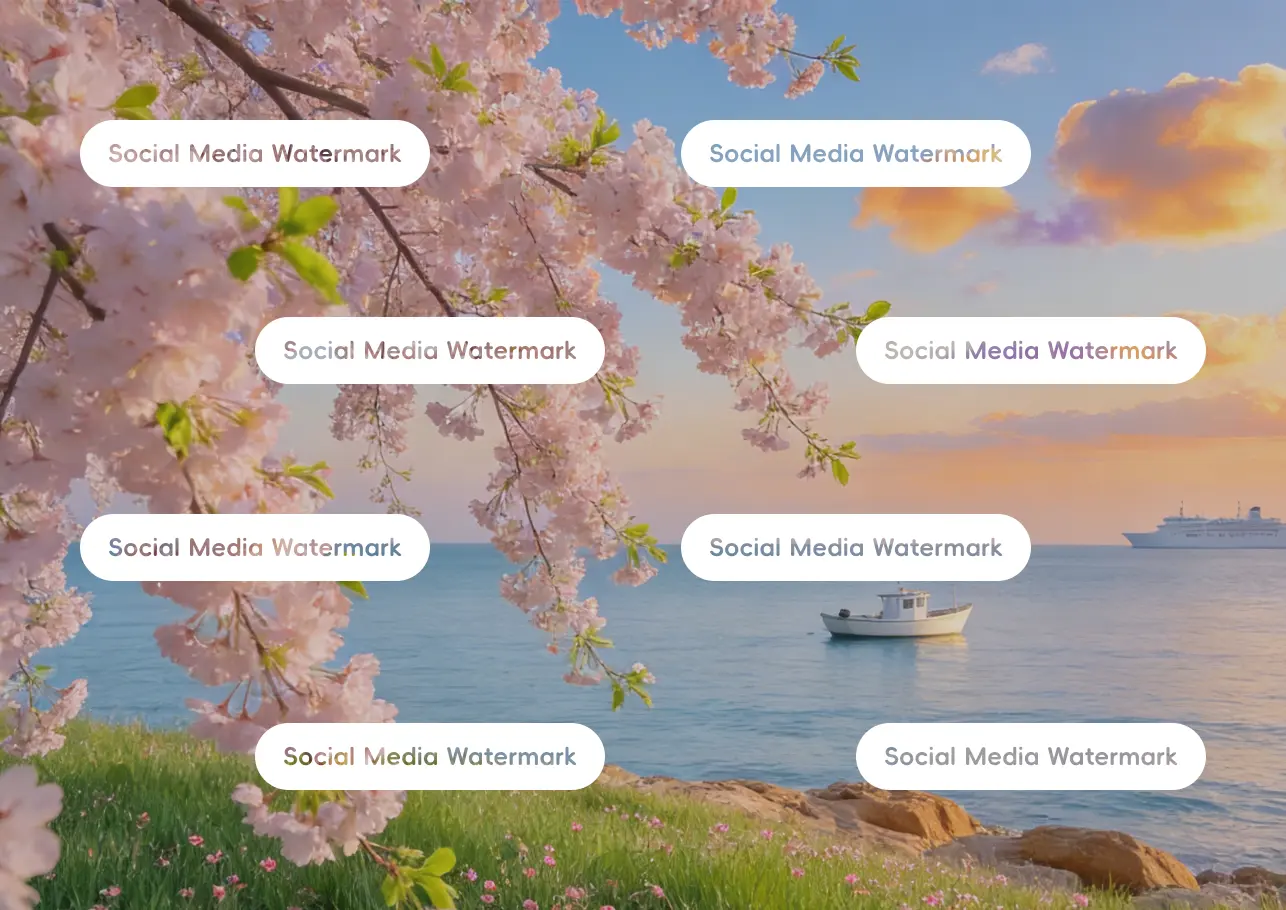

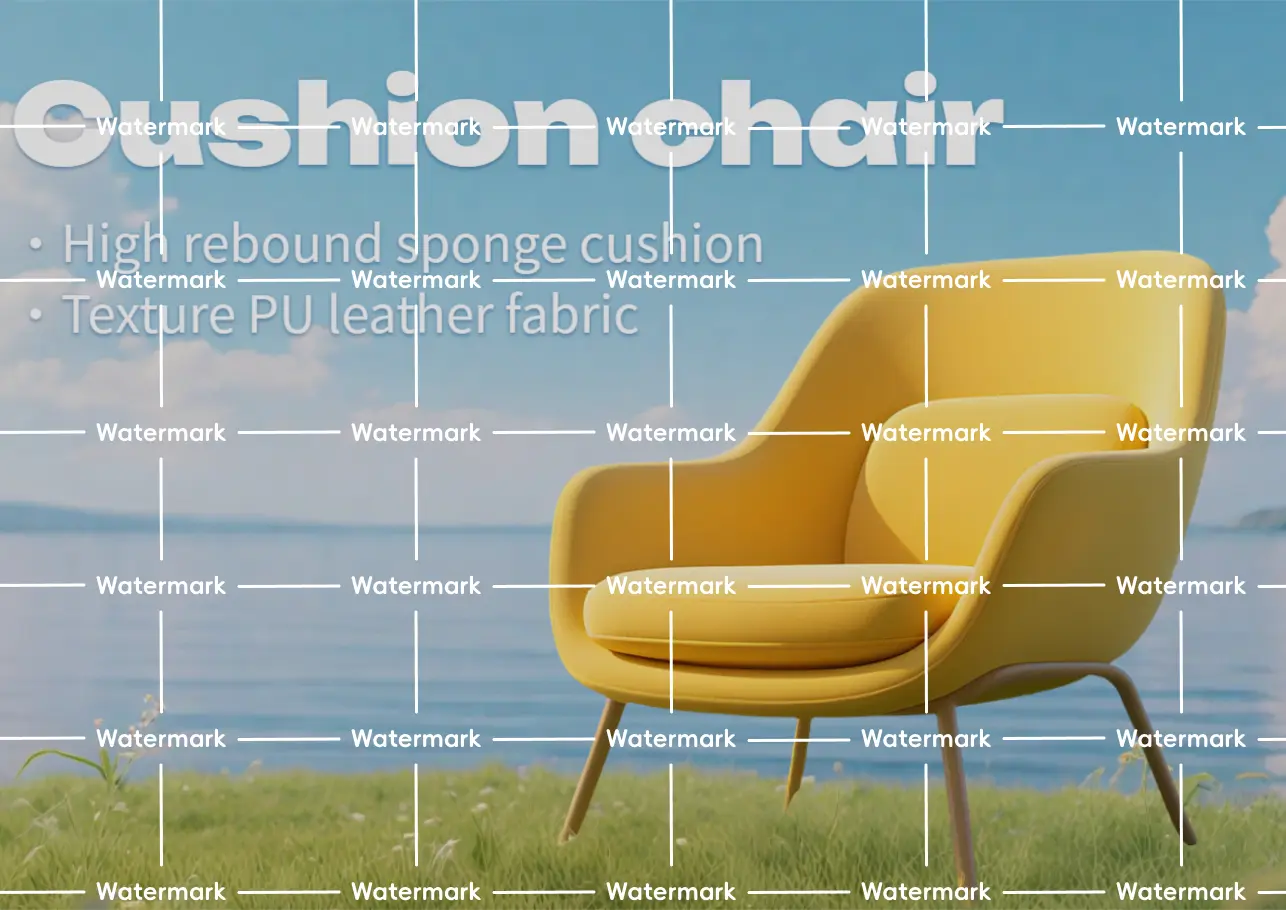

Smart Text-Content Separation: Keep What Matters
When processing images with text, our AI precisely distinguishes between essential content and intrusive watermarks, ensuring that removals never compromise your original text. This maintains perfect clarity for posters and invitations, effectively solving the common pain point of accidental text deletion.
How to Watermark Remover ?

Upload Image
Simply click the ‘Upload’ button or drag and drop your files into the designated area—full support for JPG, PNG, JPEG, and WebP formats.

AI Auto-Detection & Removal
Our AI instantly identifies and erases watermarks with one-click precision, ensuring a clean and seamless finish even on complex backgrounds.

Download & Save
Click ‘Download’ to save your high-definition, watermark-free image directly to your device for immediate use in any project or design.
Why Choose AIde.art to Watermark Remover?
Watermark Remover from Picture Use-Cases


Portrait
Intelligently detects watermark areas, preserving every detail of hair and edges.


Web Illustrations
Cleanly removes watermarks without compromising the original colors or outlines.


E-commerce
Pro-grade removal that maintains product texture and delivers a clean, distraction-free background.
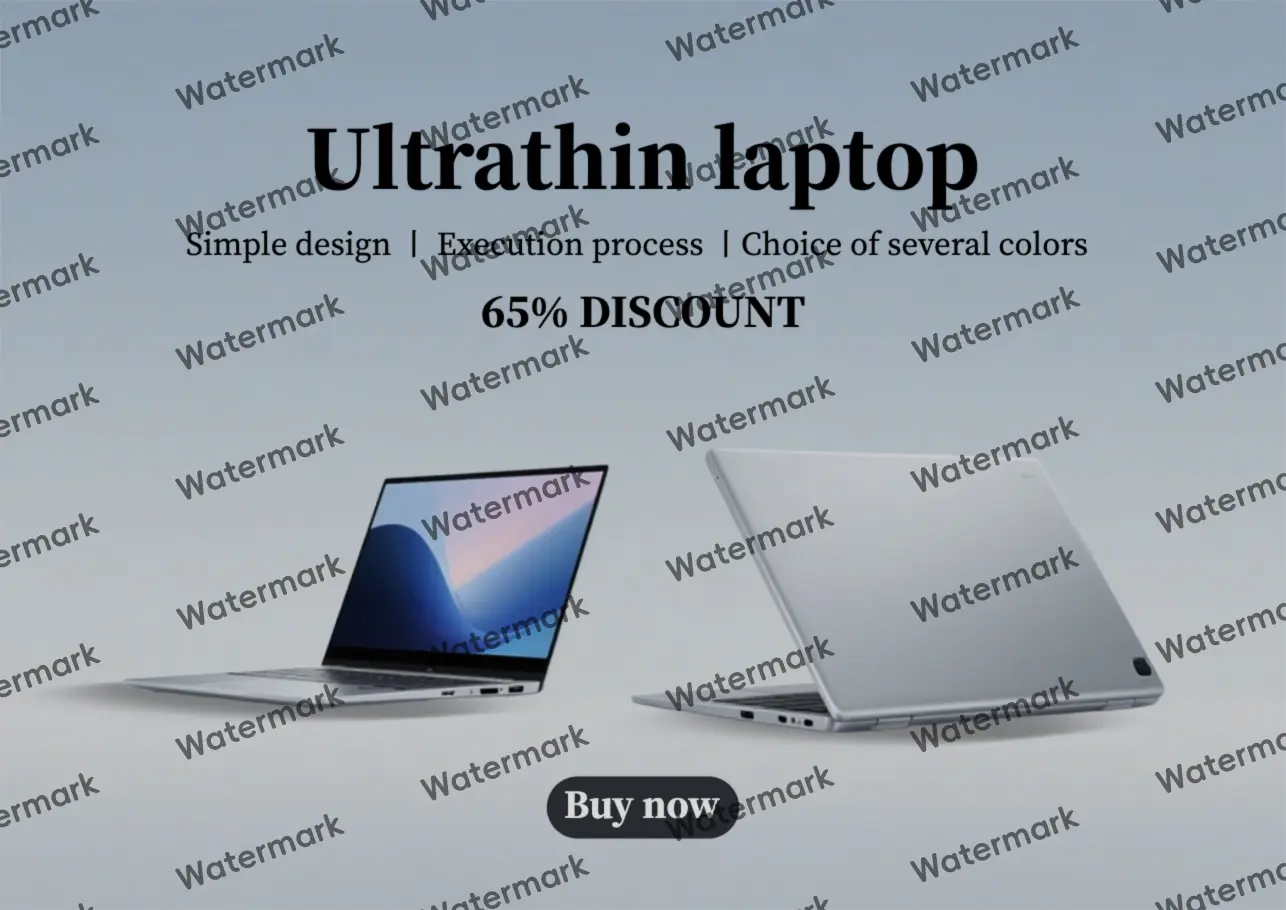

Posters
Precisely erases overlays from text and patterns, restoring the original gloss and layers.
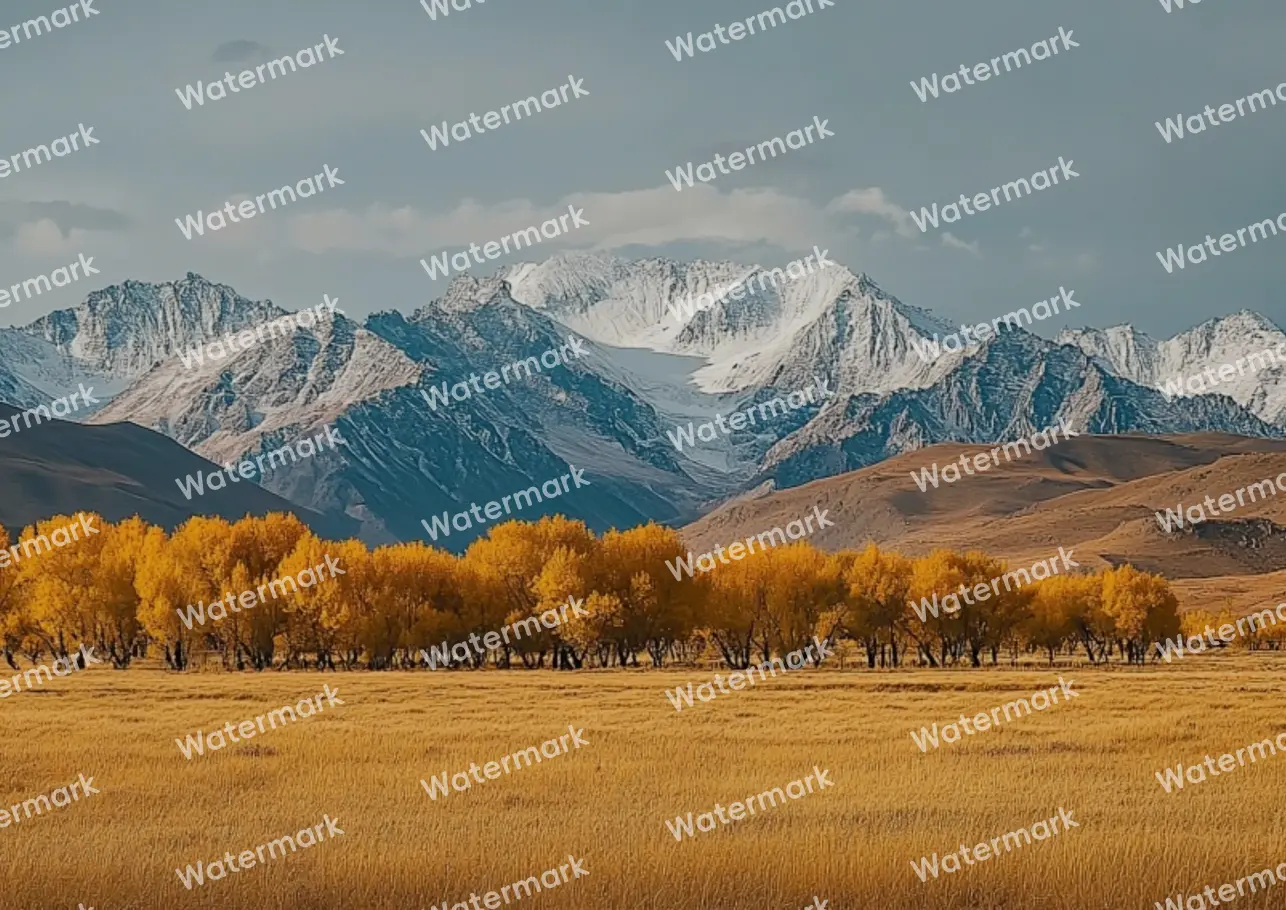
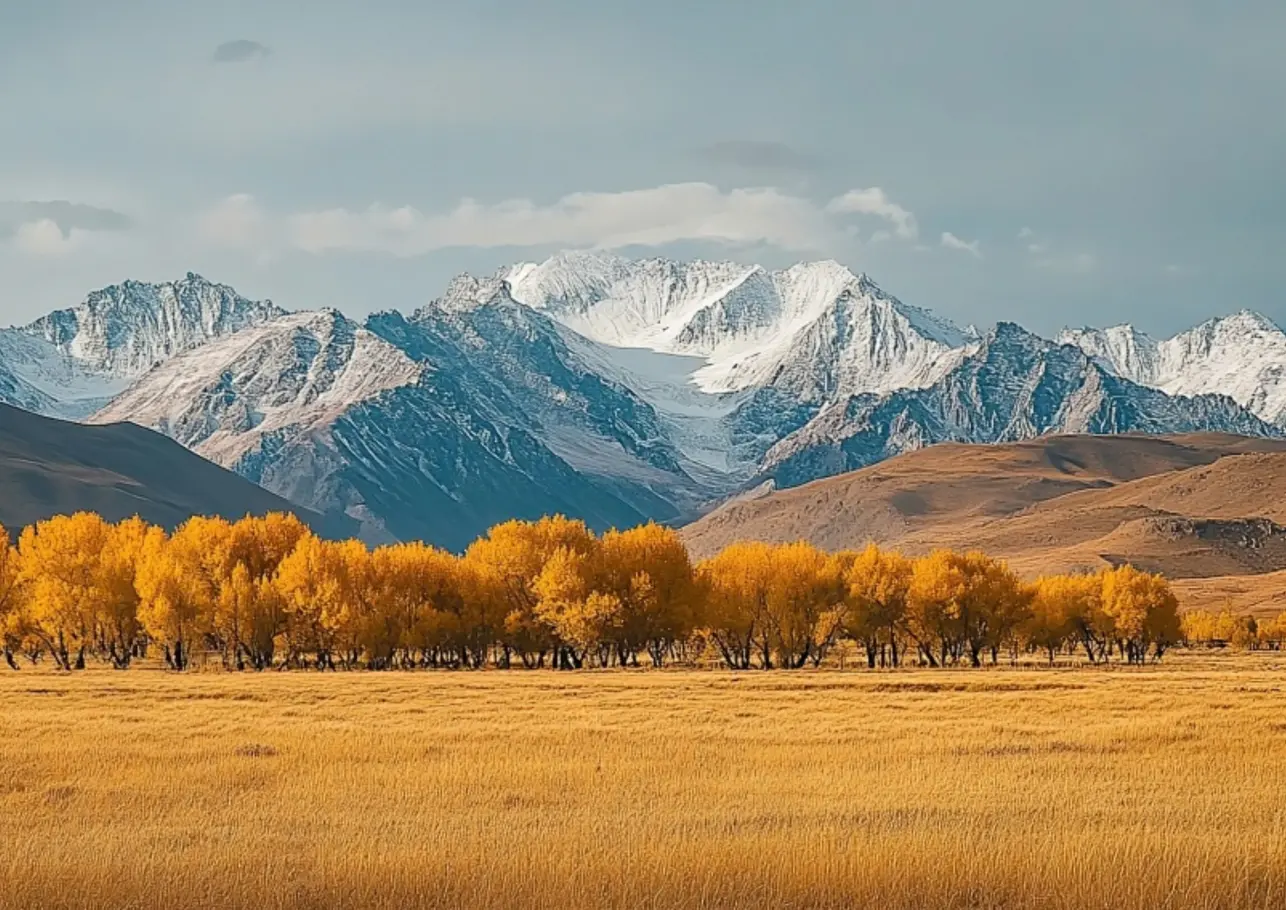
Landscape
Seamlessly erases marks while keeping the scenery sharp and crystal clear.
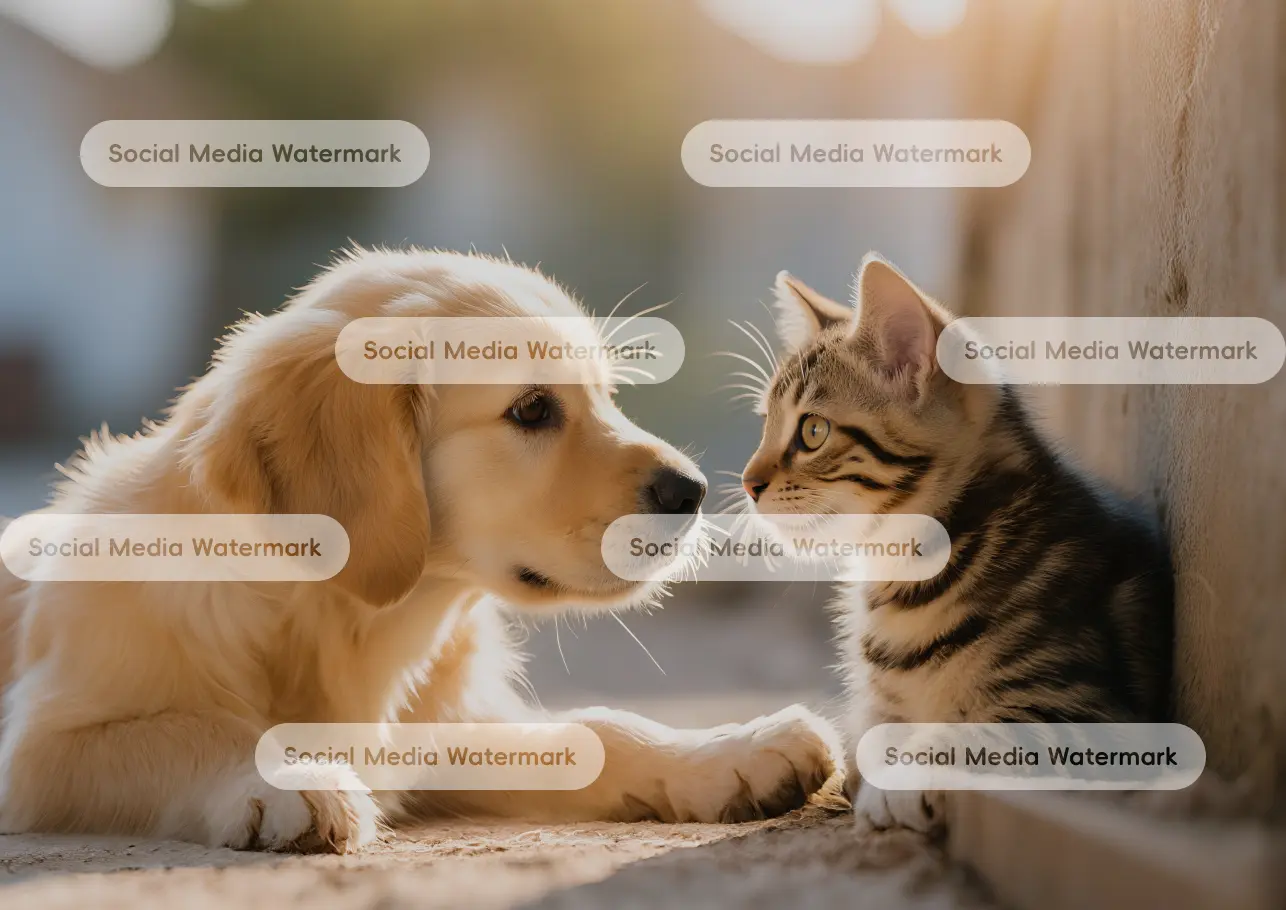

Wallpaper
Efficient removal that ensures a flawless, high-quality wallpaper for any screen.
FAQs About Watermark Remover

How to quickly remove watermarks from images?
1. Upload Your Image: Upload the photo you want to process. We support all common formats like JPG, JPEG, and PNG. No technical skills are required—anyone can do it!
2. Auto-Detection & Removal: Once uploaded, our AI automatically identifies the watermark area. There’s no need for manual brushing or complex settings. Just wait a few seconds, and the watermark will vanish.
3. Save and Download: Once the removal is complete, simply save the high-quality image to your device, and you’re good to go!

Do I need Photoshop skills to remove watermarks?
Not at all! Our tool is designed for everyone. You can achieve professional results with one-click simplicity, even with zero editing experience.

Do I need to download a desktop client for remove watermarks, or can I use it online?
Not at all! You can use our tool directly in your browser. Simply upload your image, and our AI will automatically remove the watermark in one click—fast and hassle-free.

Can I remove any type of watermark from my images?
Yes! Leveraging advanced AI, our tool offers precise detection and removal across a wide range of watermarks—including full-screen, blurry, or semi-transparent ones, as well as logos, text, timestamps, and signatures.
Reminder: Please ensure you have the legal right to use and edit the image. If the image is for commercial use, you must strictly comply with relevant copyright laws and regulations.

Will removing the watermark affect the image quality?
Absolutely not. Your original quality remains untouched, ensuring a clear and natural look:
1. Smart AI Reconstruction: Our algorithms preserve the original resolution and clarity, creating smooth transitions at the edges with zero blurring.
2. Built-in Enhancer: After removal, you can use our integrated Photo Enhancer to further boost clarity—perfect for high-def needs like wallpapers or e-commerce product displays.

How can I remove watermarks without damaging the actual text on the image?
1. Original Content: Product descriptions, titles, and body text.
2. Overlaid Watermarks: Copyright marks, logos, and stamps. The AI automatically protects the “source text” and only targets the watermark area, ensuring the original message stays intact.
Wide Range of Supported Scenarios
1. Marketing Materials: Posters, invitations, flyers, brand brochures, and roll-up banners.
2. Professional Use: Document screenshots, PPT slides, meeting minutes, resumes, and reports.
3. Social Media & Daily Life: Chat logs (WhatsApp, etc.), social media screenshots, and e-tickets (flights, movies, events).
4. Practical Documents: Manuals, certificates/awards, menus, shipping labels, and online course materials.
Pro Tip for Overlapping Content: For complex cases where a watermark covers key text, you can use our Manual Brush for fine-tuning. This ensures critical words are perfectly preserved and restored with high clarity—no blurring or missing letters.

Can I remove watermarks from complex backgrounds like gradients or textures?
Yes — it works on mobile browsers, with the same simple steps as the desktop version:Open the webpage → Upload an image from your phone → Select your target language → Click “Translate Now”. It’s optimized for mobile screens, so the operation is just as easy.
Authentic User Voices
Aide.art is incredibly fast and preserves perfect image quality for my social media posts. It’s the smartest and most hassle-free tool I’ve ever used!

Chloe Wang
Lifestyle Influencer

The AI reconstruction is so natural that even complex backgrounds are erased without a trace. What used to take 30 minutes in Photoshop now takes seconds to finish perfectly.

Mark Peterson
Senior E-commerce Designer
The batch processing feature has massively boosted our efficiency with an interface that requires zero learning curve. Highly recommended for corporate teams handling high-volume visual assets.

Jiaqi Lu
PR Manager
The lighting reconstruction is incredibly realistic, blending the edited areas perfectly with the original texture. This is the most faithful AI restoration solution I’ve seen, bar none.
David Miller
Freelance Photographer
Aide.art’s recognition rate for stubborn watermarks is top-notch, saving me countless hours of editing. Its success rate and stability are unbeatable compared to other tools.

Xiao Fan
Content Operations
The results are incredibly clean and natural, meeting our strict standards for professional marketing materials. The user experience is exceptionally smooth across both web and mobile.

Sarah Jenkins
Marketing Strategist